Salient is a premium multipurpose WordPress theme from ThemeNectar, sold on ThemeForest, known for polished design, smooth animations and a large library of professionally designed demos. I rate it 4.4/5: it makes it easy to build a website that looks premium, but it is heavier than minimalist themes and its WPBakery-based builder has a learning curve.
Table of Contents
- 1Quick Verdict
- 2What Salient Is
- 3What Stands Out in Practice
- Design quality and demos
- Page building
- Typography, headers and animations
- WooCommerce
- 4Speed and Performance
- How to keep Salient fast
- 5SEO
- 6Setting Up Salient
- 7Salient Pricing
- 8Pros and Cons
- 9Salient vs Elementor
- 10Who Should Use Salient — and Who Should Skip It
- 11Final Verdict
- 12FAQs
- 1. Is Salient WordPress Theme good for SEO?
- 2. Is Salient beginner-friendly?
- 3. Does Salient support WooCommerce?
- 4. Is Salient faster than Elementor themes?
- 5. Can I use Salient for blogging?
- 6. Does Salient include demo templates?
- 7. Is Salient worth buying in 2026?
- 8. Which hosting works best with Salient?
Quick Verdict
What Salient Is
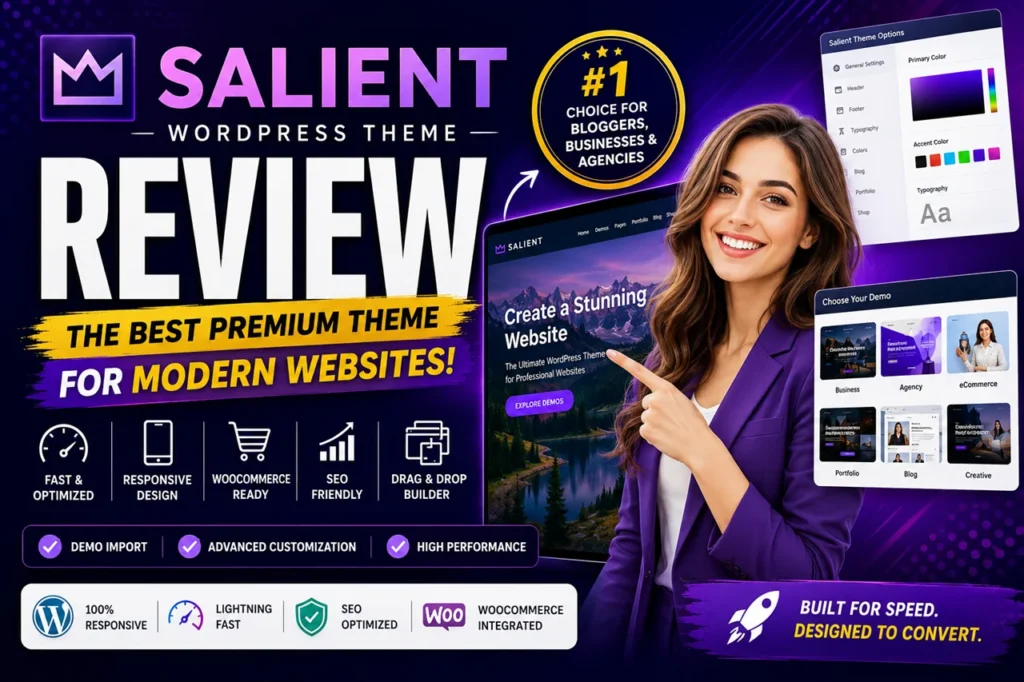
Salient is one of the longest-running best-sellers on ThemeForest. It combines a visual page builder (built on WPBakery and its own Salient Core plugin), a library of importable demo websites and detailed design controls for typography, headers, animations and WooCommerce pages. It suits agencies, creative professionals, startups, online stores and business sites that care about visual branding.
What Stands Out in Practice
Design quality and demos
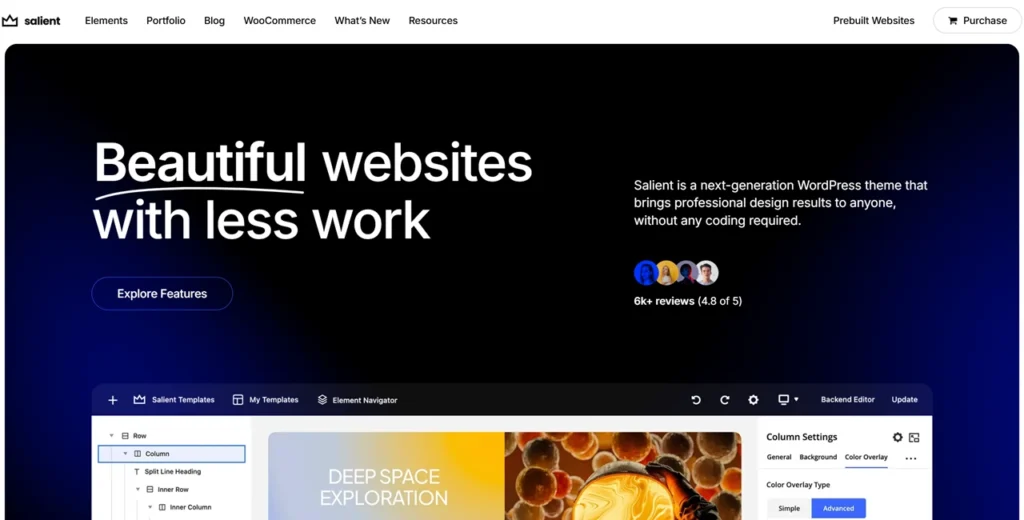
The first thing I noticed is how polished Salient sites look out of the box — typography, spacing, hover effects and layouts feel high-end rather than generic. The demo library covers agencies, portfolios, SaaS landing pages, stores, restaurants and more; importing one and replacing the content is the fastest way to a professional site.
Page building
Salient’s builder is based on WPBakery, deeply integrated with the theme. You can drag and drop sections, build landing and sales pages and add animations without code. Beginners often find WPBakery harder to learn than Elementor at first; once the workflow clicks, it is stable and quick.
Typography, headers and animations
You get fine control over fonts (including Google Fonts and custom fonts), responsive sizing, sticky and transparent headers, mega menus and header buttons. Animations — scroll effects, hover transitions, parallax and video sections — are a signature feature, but they need restraint: too many hurt speed.
WooCommerce
Salient’s WooCommerce support includes modern product layouts, galleries, quick view and responsive cart and checkout pages. It works especially well for fashion, beauty, lifestyle and premium products, where presentation affects how valuable a product looks.
Speed and Performance
Salient is not a lightweight theme — GeneratePress and Astra are leaner. I tested it across several hosting setups, and it rewards good hosting: heavier themes like Salient benefit most from server-level caching and a CDN, which hosts such as Cloudways, Kinsta, Rocket.net and SiteGround provide. With caching enabled on good hosting, pages rendered quickly, mobile scrolling was smooth and layouts stayed stable.
| Metric | Result |
|---|---|
| Mobile Speed | Good |
| Desktop Speed | Excellent |
| Core Web Vitals | Strong |
| Mobile Responsiveness | Excellent |
| Layout Stability | Very Good |
| User Experience | Excellent |
These are approximate results from optimised setups and will vary with your hosting, plugins, images and third-party scripts.
How to keep Salient fast
- Use good hosting; cheap shared hosting undoes the work.
- Add a caching plugin such as WP Rocket, FlyingPress or LiteSpeed Cache.
- Serve WebP images, compress them and lazy-load below-the-fold images.
- Use animations sparingly and limit font files.
- Put a CDN in front of the site.
SEO
Salient gives you a sound foundation — responsive layouts, sensible heading structure and compatibility with SEO plugins such as Rank Math and Yoast. A theme cannot rank a site on its own: content, internal links, speed and site quality matter far more. The main SEO risk with Salient is speed, so follow the performance steps above.
Setting Up Salient
- Install WordPress on good hosting.
- Upload and activate the Salient theme.
- Install the required plugins: Salient Core and the bundled WPBakery builder (plus WooCommerce for a store).
- Import the demo closest to your niche.
- Replace the logo, colours, fonts, menus and content.
- Add an SEO plugin, a caching plugin and image optimisation before launch.
Salient Pricing
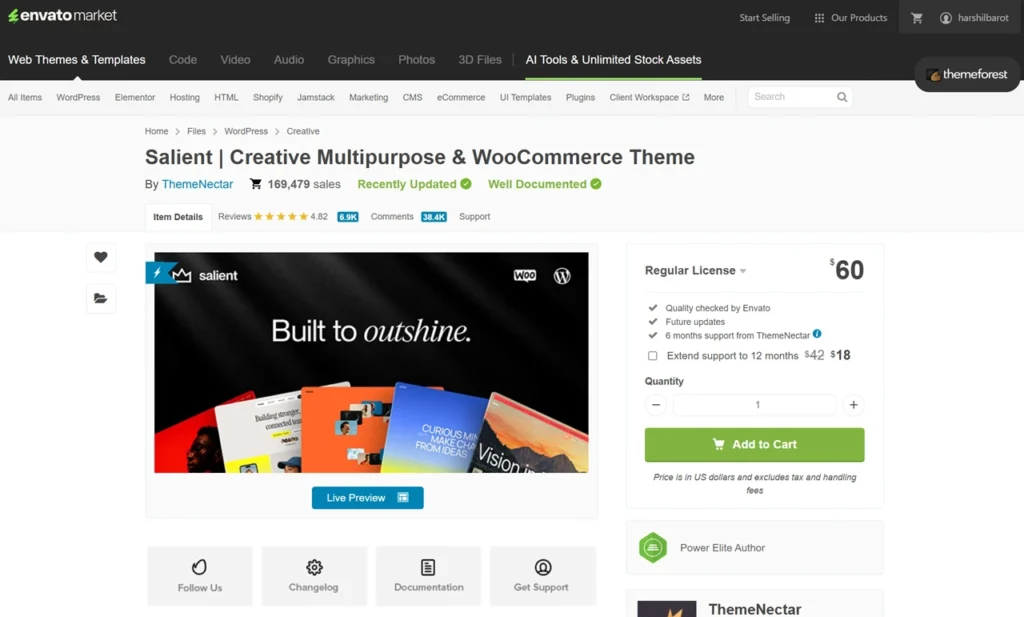
Salient costs about $60 for a Regular Licence on ThemeForest, which covers one website and includes future theme updates and six months of support from ThemeNectar. Support can be extended for an extra fee. Check the ThemeForest listing for the current price and licence terms — prices there exclude tax and handling fees.
Pros and Cons
| Pros | Cons |
|---|---|
| Premium design quality | WPBakery learning curve |
| Huge demo library | Slightly heavier than minimalist themes |
| Excellent mobile responsiveness | Excessive animations can reduce speed |
| Strong WooCommerce integration | Some advanced customization takes time |
| Great typography | Beginners may feel overwhelmed initially |
| Strong branding potential | Requires optimization for maximum speed |
| Excellent visual presentation |
Salient vs Elementor
Choose Salient if you want premium design quickly, care about branding, build portfolio or agency sites, or want polished animations built in. Choose Elementor if you want maximum editing flexibility, a huge add-on ecosystem and broad third-party integrations across many client sites.
Other alternatives include Astra, GeneratePress, Kadence, Divi, Avada, Flatsome and OceanWP. Choose GeneratePress or Astra if raw speed matters more than visual effects.
Who Should Use Salient — and Who Should Skip It
It suits agencies, designers, photographers, freelancers, premium stores and businesses that want a site that looks expensive without hiring a designer. Skip it if you want an ultra-minimal, maximum-speed theme, dislike visual builders, or already work exclusively in Elementor.
Final Verdict
Salient earns 4.4/5 from me. Its design polish, typography and demo library are among the best on ThemeForest, and it handles WooCommerce well. Pair it with good hosting and caching, use animations with restraint, and give yourself time to learn the builder.
FAQs
1. Is Salient WordPress Theme good for SEO?
Yes, Salient is SEO-friendly and supports responsive layouts, mobile optimization, clean design structure, schema compatibility, and integration with SEO plugins like Rank Math and Yoast SEO.
2. Is Salient beginner-friendly?
Yes. Beginners can use Salient easily thanks to its one-click demo import system and visual builder.
3. Does Salient support WooCommerce?
Yes, Salient fully supports WooCommerce and includes modern product layouts and mobile-friendly shopping experiences.
4. Is Salient faster than Elementor themes?
Salient performs very well when optimized properly, although lightweight themes may load slightly faster in some cases.
5. Can I use Salient for blogging?
Absolutely. Salient offers beautiful blog layouts, responsive typography, and excellent readability for content-heavy websites.
6. Does Salient include demo templates?
Yes, Salient includes a huge collection of professionally designed demo websites for different industries.
7. Is Salient worth buying in 2026?
Yes. Salient still offers excellent value because of its premium design, advanced customization, WooCommerce support, and regular updates.
8. Which hosting works best with Salient?
Cloudways, Kinsta, SiteGround, Rocket.net, and WP Engine are excellent hosting choices for Salient websites.