For most websites, a free SSL certificate is all you need. Free certificates from Let’s Encrypt use the same encryption as paid ones and are trusted by major browsers. Paid certificates make sense mainly when you need your organisation’s identity verified in the certificate, or support and warranty terms from a commercial certificate authority.
This guide explains the types of certificate, what free ones do and do not include, and the upcoming change to certificate lifetimes that makes automatic renewal essential.
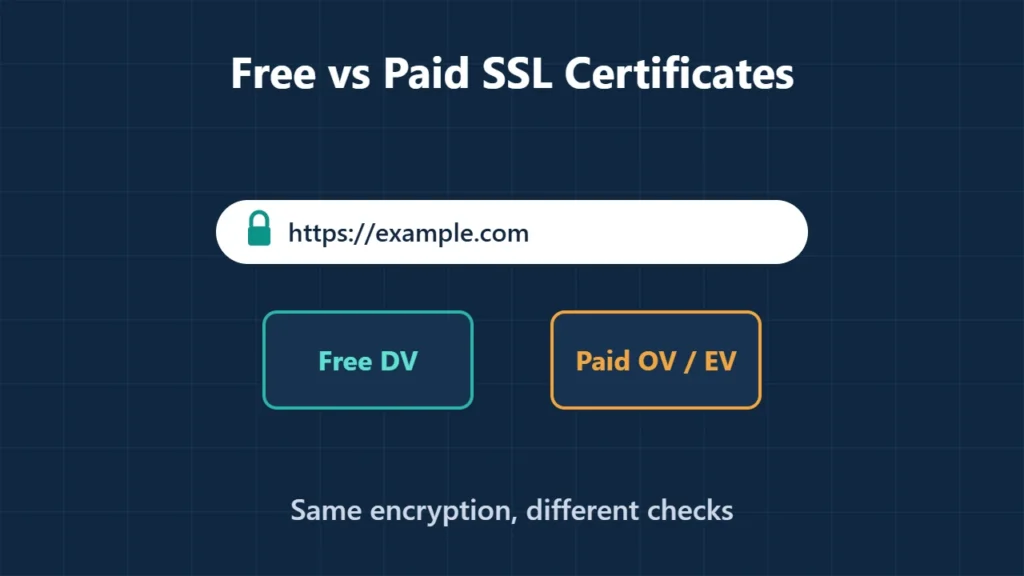
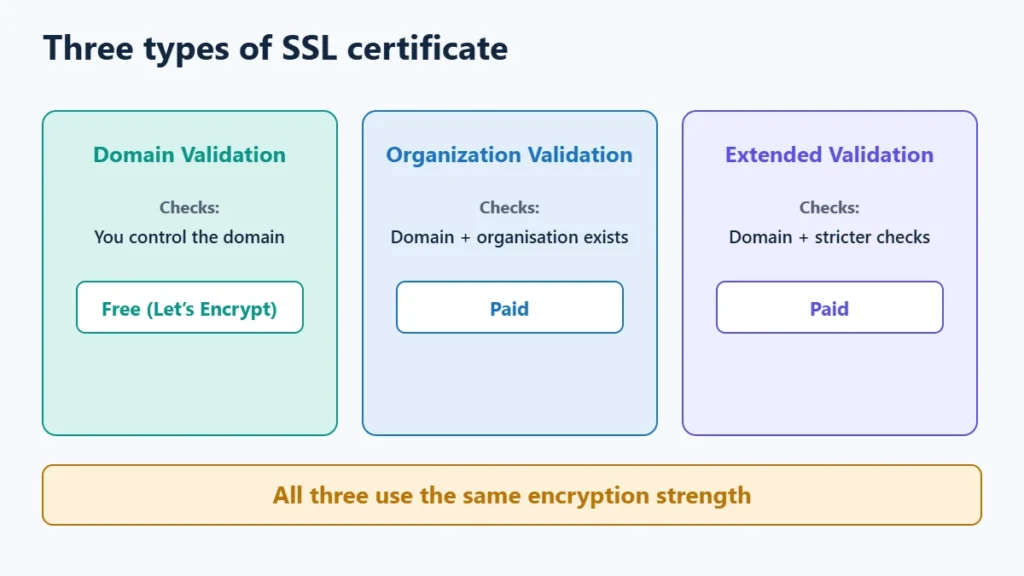
Table of Contents
- 1The Three Types of Certificate
- 2What Free SSL Gives You
- 3What Free SSL Does Not Give You
- 4Certificate Lifetimes Are Getting Shorter
- 5When a Paid Certificate Makes Sense
- 6How to Turn On Free SSL
- 7Frequently Asked Questions
- Is a free SSL certificate safe?
- Do I need to pay for SSL for an online shop?
- How long does a free SSL certificate last?
- Why does my site still say “not secure” with SSL installed?
The Three Types of Certificate
| Type | What is checked | Free option? |
|---|---|---|
| Domain Validation (DV) | That you control the domain | Yes, Let’s Encrypt |
| Organization Validation (OV) | The domain, plus that your organisation exists | No; paid from a commercial CA |
| Extended Validation (EV) | The domain, plus stricter organisation checks | No; paid from a commercial CA |
All three use the same encryption strength. The difference is how much the certificate authority checks about who you are, not how well the connection is protected.
What Free SSL Gives You
- No fee. Let’s Encrypt is a nonprofit and does not charge for certificates, though it notes some hosts charge a small fee for managing them.
- Browser trust for HTTPS, so visitors see the padlock and no warnings.
- Automatic setup on many hosts. Hostinger’s documentation says its Web, Cloud and Agency plans include free SSL for every hosted domain and subdomain, renewed automatically while the site stays there. Cloudflare’s Free plan includes a Universal SSL certificate.
- Use beyond websites. Let’s Encrypt says its DV certificates work for any server with a domain name, such as mail or FTP servers.
What Free SSL Does Not Give You
- Organisation identity. A DV certificate does not show who runs the site.
- Direct support. Let’s Encrypt says it is run by a small team and cannot offer direct support to subscribers; help comes through documentation and its community forum.
- Email signing or code signing, which need different certificate types.
- Warranties that commercial authorities sell with paid certificates.
Certificate Lifetimes Are Getting Shorter
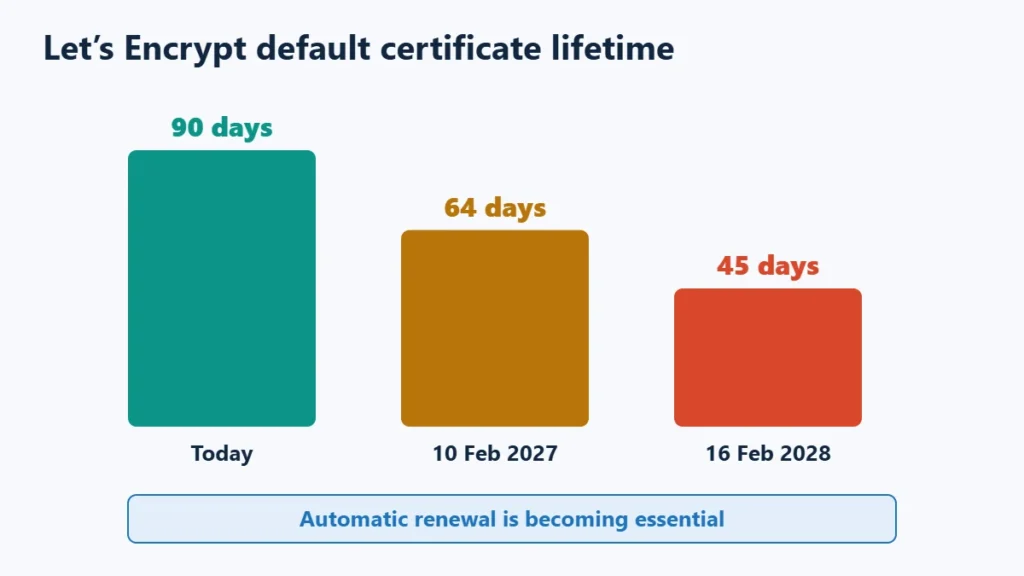
Let’s Encrypt certificates are valid for 90 days by default, and it recommends renewing every 60 days. It has announced that, in line with industry rules set by the CA/Browser Forum, its default certificates will drop to 64 days on 10 February 2027 and to 45 days on 16 February 2028. The requirement applies to publicly trusted certificates generally, not only free ones.
The practical point: manual renewal is becoming impractical. Make sure your certificate renews automatically, through your host, your CDN or an ACME client on your server.
When a Paid Certificate Makes Sense
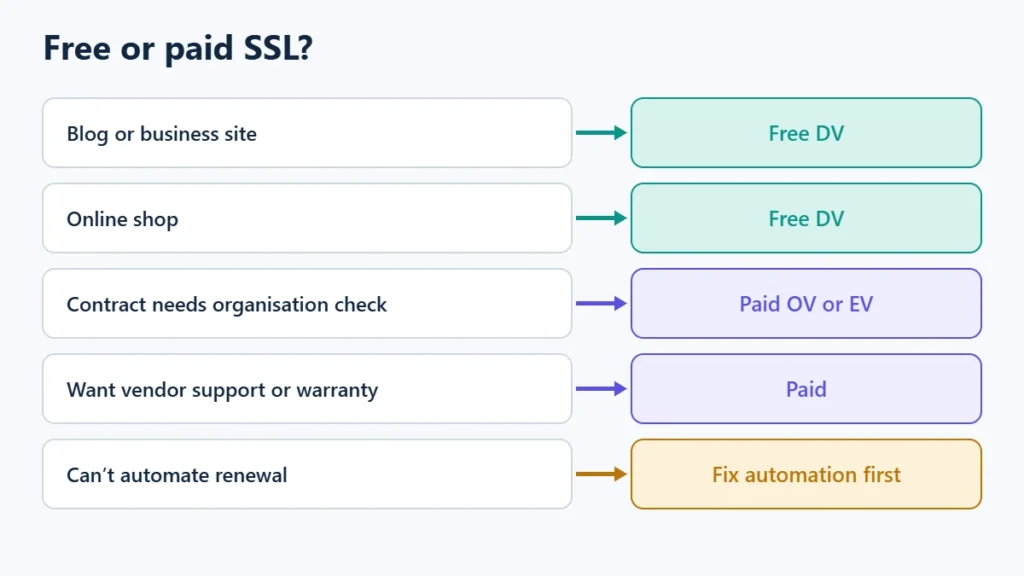
| Your situation | Certificate |
|---|---|
| Blog, business site or online shop | Free DV |
| A contract, regulator or partner requires organisation validation | Paid OV or EV |
| You want a vendor to support certificate issues | Paid |
| You run servers where you cannot automate renewal | Fix the automation first; lifetimes are shrinking for all certificates |
How to Turn On Free SSL
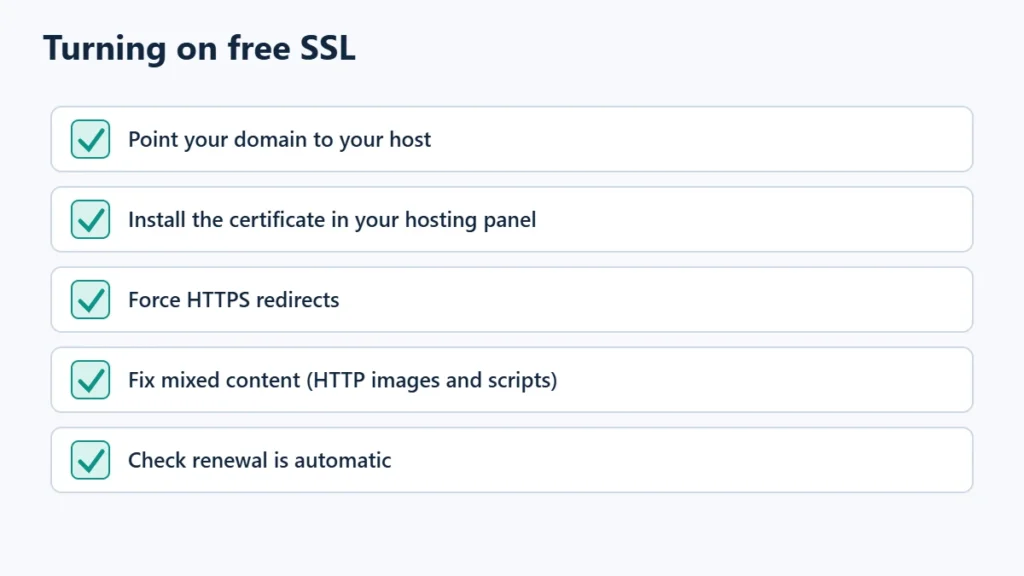
- Point your domain to your host and wait for DNS to update.
- Install the certificate. On Hostinger, open the website dashboard and go to Security, then SSL, then Install SSL.
- Force HTTPS so visitors are redirected from HTTP. Hostinger offers a Force HTTPS toggle.
- Fix mixed content, meaning images or scripts still loaded over HTTP, so the padlock shows on every page.
If you run a CDN as well, set its SSL mode correctly to avoid redirect loops; Hostinger CDN vs Cloudflare covers that. When moving hosts, enable SSL after pointing the domain, as described in the WordPress migration guide. You can see Hostinger’s plans, which include free SSL. Affiliate link: I may earn a commission at no extra cost to you.
Frequently Asked Questions
Is a free SSL certificate safe?
Yes. It uses the same encryption as a paid certificate and is trusted by major browsers.
Do I need to pay for SSL for an online shop?
Not usually. A free DV certificate encrypts checkout traffic. Payment security also depends on your payment provider and site setup.
How long does a free SSL certificate last?
Let’s Encrypt certificates last 90 days by default, falling to 64 days in February 2027 and 45 days in February 2028. Automatic renewal handles this.
Why does my site still say “not secure” with SSL installed?
Usually because of mixed content or because HTTPS is not being forced. Redirect HTTP to HTTPS and update old HTTP links to images and scripts.

Affiliate disclosure: some links on this page are affiliate links, so I may earn a commission if you buy, at no extra cost to you.