
Hands-on tested How I review
Disclosure: some links on this page are affiliate links. If you buy through one, I may earn a commission at no extra cost to you. It does not decide my ratings. Affiliate disclosure
The best web hosting choice depends on your website, budget and the work you want the provider to handle. Compare the full bill, renewal terms, resource limits and support scope. Hosting can affect availability and performance, but it does not guarantee better search rankings or business growth.
Before using this comparison: some plan and price examples below are historical. Reconfirm them before buying. Use the linked individual reviews for a closer look at costs, limitations and review scope; this list is not a controlled speed ranking.
Table of Contents
- 1A shortlist by website needs
- 2Best Web Hosting Services Comparison (Quick Review)
- 3What Is Web Hosting and Why It Matters
- 4Types of Web Hosting Explained (Beginner-Friendly Guide)
- Shared Hosting Services
- VPS Hosting Providers
- Cloud Hosting Services
- Dedicated Server Hosting
- Managed WordPress Hosting
- 5Key Features to Look for in the Best Web Hosting
- Speed and Performance
- Uptime Guarantee
- Security
- Ease of Use
- Support
- 6How to Choose the Best Web Hosting (Step-by-Step Guide)
- 7Best Hosting for Different Use Cases
- Best Hosting for Beginners
- Best Hosting for Small Business
- Best Hosting for Bloggers
- Best Hosting for Ecommerce
- Best Hosting for High Traffic Website
- Best Hosting for Developers
- Best Hosting for Agencies
- 816 Web Hosting Providers to Compare (With Pros & Cons)
- 1. Hostinger
- 2. Bluehost
- 3. SiteGround
- 4. Cloudways
- 5. Kinsta
- 6. A2 Hosting
- 7. GoDaddy
- 8. Namecheap
- 9. HostGator
- 10. DreamHost
- 11. InMotion Hosting
- 12. GreenGeeks
- 13. ScalaHosting
- 14. WP Engine
- 15. AccuWeb Hosting
- 16. ChemiCloud
- 9Hosting Comparison: Shared vs VPS vs Cloud
- 10Hosting Features to Assess Before Buying
- 11Commercial Buying Guide: Best Hosting Deals
- 12Advanced Tips for Better Hosting Performance
- 13Best Hosting Alternatives and Recommendations
- 14Future of Web Hosting
- 15My Experience Testing Web Hosting Providers
- 16Best Hosting for Specific Website Types
- 17Which Web Hosting Should You Choose Today?
- 18Best Hosting Services Compared (Quick Overview)
- 19Must-Have Hosting Features for Long-Term Growth
- 20Conclusion
- 21FAQs
- What is the best web hosting for beginners?
- Which hosting is best for SEO optimization?
- What is the cheapest hosting plan?
- Is cloud hosting better than shared hosting?
- Can I switch hosting providers later?
- What is NVMe hosting?
- Which hosting is best for ecommerce?
- How do I choose the right hosting provider?
A shortlist by website needs
- Hostinger — compare it when entry cost and a straightforward website setup matter.
- Bluehost — explore its WordPress plans and renewal costs.
- Kinsta — compare managed WordPress operations and the complete ongoing bill.
- Cloudways — evaluate managed cloud plans against your workload.
- InterServer — review the plan and renewal terms before relying on a price-lock claim.
- WP Engine — assess its managed WordPress tools and plan limits.

Best Web Hosting Services Comparison (Quick Review)
| Hosting Provider | Rating (Out of 5) | Quick Review + CTA |
|---|---|---|
| Hostinger | ⭐ 4.8/5 | Best budget hosting with fast speed. 👉 Start now with Hostinger |
| Bluehost | ⭐ 4.6/5 | Beginner-friendly WordPress hosting 👉 Get started with Bluehost |
| SiteGround | ⭐ 4.7/5 | High performance hosting with strong security 👉 Try today |
| Cloudways | ⭐ 4.7/5 | Scalable cloud hosting for growth 👉 Launch now with Cloudways |
| Kinsta | 4.86/5 (editorial rating) | Premium hosting with top speed 👉 Go premium with Kinsta |
| A2 Hosting | ⭐ 4.5/5 | Fast hosting with turbo servers 👉 Boost speed with A2 Hosting |
| GoDaddy | ⭐ 4.3/5 | Easy setup hosting for beginners 👉 Start quickly |
| Namecheap | ⭐ 4.4/5 | Cheapest hosting for small sites 👉 Buy now with Namecheap |
| HostGator | ⭐ 4.4/5 | Reliable hosting with unlimited bandwidth 👉 Get hosting |
| DreamHost | ⭐ 4.5/5 | Simple hosting with strong uptime 👉 Try it |
| InMotion Hosting | ⭐ 4.6/5 | Business hosting with solid performance 👉 Grow now with InMotion Hosting |
| GreenGeeks | ⭐ 4.5/5 | Eco-friendly hosting with good speed 👉 Go green |
| ScalaHosting | ⭐ 4.6/5 | Powerful VPS hosting with security 👉 Upgrade now |
| WP Engine | ⭐ 4.7/5 | Premium WordPress hosting 👉 Scale fast |
| AccuWeb Hosting | ⭐ 4.3/5 | Flexible and affordable hosting 👉 Explore plans |
| ChemiCloud | ⭐ 4.7/5 | Fast, secure hosting with great support 👉 Start today with ChemiCloud |
What Is Web Hosting and Why It Matters
Web hosting is the foundation of your website. It stores your files and makes your site accessible on the internet.
Hosting quality can affect availability and page speed. Actual performance also depends on your theme, plugins, content, caching and workload; hosting alone does not guarantee rankings or conversions.
Assess hosting as one part of your website’s reliability and user experience.
Types of Web Hosting Explained (Beginner-Friendly Guide)
Understanding hosting types helps you choose the right solution.
Shared Hosting Services
This is the most affordable web hosting option. It is perfect for beginners, bloggers, and personal websites.
VPS Hosting Providers
VPS offers dedicated resources within a shared environment. It is ideal for growing websites needing more control.
Cloud Hosting Services
Cloud hosting is scalable and reliable. It is best for startups and high traffic websites.
Dedicated Server Hosting
You get full control over a server. This is best for large businesses needing maximum performance.
Managed WordPress Hosting
Optimized for WordPress with automatic updates, security, and backups.
Key Features to Look for in the Best Web Hosting
Choosing the right hosting becomes easy when you focus on these factors:
Speed and Performance
Look for hosting with fast speed, SSD or NVMe storage, and CDN integration.
Uptime Guarantee
Reliable web hosting should offer at least 99.9% uptime.
Security
Choose hosting with high security, malware protection, and SSL certificates.
Ease of Use
Hosting with easy setup, cPanel, and one click install is best for beginners.
Support
Always choose hosting with 24/7 support.
How to Choose the Best Web Hosting (Step-by-Step Guide)
If you are confused, follow this simple process:
- Identify your website type (blog, business, ecommerce).
- Estimate your traffic.
- Choose hosting type (shared, VPS, cloud).
- Compare hosting providers based on speed and support.
- Check hosting plans and pricing.
- Look for free domain, SSL, and migration.
- Buy hosting with a money-back guarantee.
This approach ensures you select the best hosting for beginners and professionals alike.
Best Hosting for Different Use Cases
Best Hosting for Beginners
Shared hosting or managed WordPress hosting with easy setup works best.
Best Hosting for Small Business
Choose hosting with scalability and strong security.
Best Hosting for Bloggers
Affordable web hosting with fast loading speed is ideal.
Best Hosting for Ecommerce
Cloud hosting or VPS hosting ensures performance and security.
Best Hosting for High Traffic Website
Dedicated or cloud hosting is recommended.
Best Hosting for Developers
Look for hosting with staging feature, scalability, and advanced tools.
Best Hosting for Agencies
Choose hosting with high performance and client management features.
16 Web Hosting Providers to Compare (With Pros & Cons)
1. Hostinger

Hostinger is one of the best hosting providers if you want affordable web hosting without compromising performance. It offers fast web hosting with LiteSpeed servers, free SSL, and an easy setup process. In my experience, it works great for beginners, bloggers, and small business websites looking for reliable web hosting at a low cost.
Pros
- Affordable web hosting with strong performance.
- Fast speed with LiteSpeed servers and CDN support.
- Free domain, SSL, and easy setup.
- Beginner-friendly dashboard with AI tools.
- Good option for best hosting for beginners and small business.
Cons
- No traditional cPanel.
- Limited advanced developer features.
- Entry plans have fewer resources.
2. Bluehost
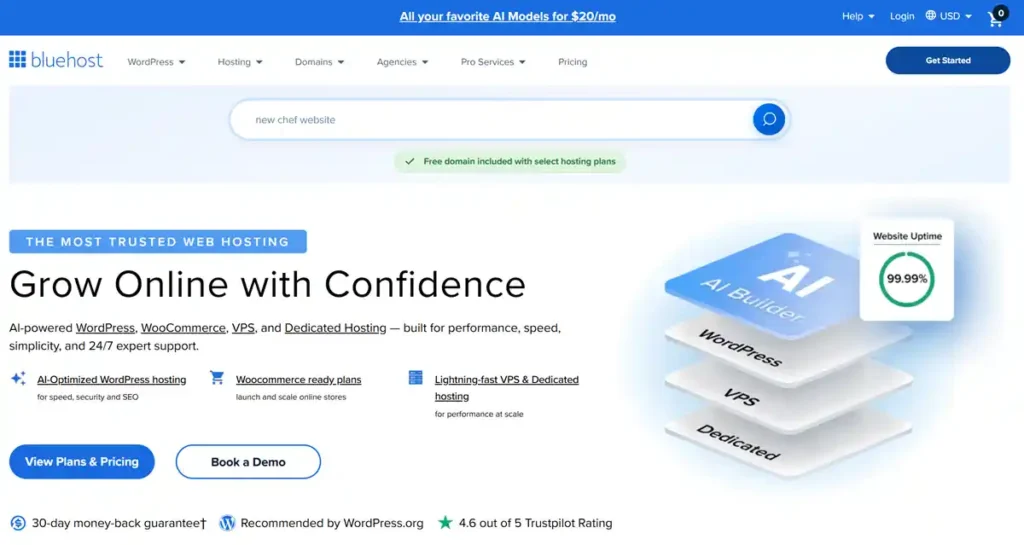
Bluehost is widely known as one of the best WordPress hosting options for beginners. It provides a simple dashboard, one click install, and strong customer support. If you are starting your first blog or business website, Bluehost is a safe and beginner-friendly choice.
Pros
- Easy setup with one click WordPress install.
- Free domain, SSL, and email.
- Good support and beginner-friendly interface.
- Reliable web hosting for personal and business websites.
Cons
- Higher renewal pricing.
- Upselling during checkout.
- Performance can drop with high traffic.
3. SiteGround

SiteGround is a high performance hosting provider known for speed and support. It uses Google Cloud infrastructure and includes features like daily backups, CDN, and strong security. It is ideal for small businesses and agencies that need reliable web hosting.
Pros
- High performance hosting with strong uptime.
- Hosting with daily backup and staging feature.
- Hosting with CDN and advanced caching.
- Excellent customer support.
Cons
- Higher pricing compared to budget hosts.
- Limited storage on basic plans.
- No free domain in some plans.
4. Cloudways

Cloudways offers flexible cloud hosting services that allow you to scale your website easily. It supports platforms like AWS and Google Cloud, making it one of the best cloud hosting providers for developers and growing websites. It is a strong choice if you need performance and scalability.
Pros
- Best cloud hosting providers for scalability.
- Hosting with free migration.
- High performance and flexibility.
- Multiple cloud providers like AWS and Google Cloud.
Cons
- No email hosting included.
- Slight learning curve.
- Not ideal for complete beginners.
5. Kinsta

Kinsta is a premium managed WordPress hosting provider focused on speed and security. It delivers high performance hosting using Google Cloud and includes advanced features like staging and automatic backups. It is best for high traffic websites and professional users.
Pros
- High performance hosting with Google Cloud.
- Hosting with staging feature and premium CDN.
- Strong security and uptime.
- Best hosting for high traffic website.
Cons
- Expensive pricing
- Only supports WordPress.
- No email hosting.
6. A2 Hosting

A2 Hosting (Now Hosting.com) is known for its fast web hosting and performance-focused servers. Its Turbo plans offer faster loading speeds, which helps improve SEO and user experience. It is a good option for users who prioritize website speed and performance.
Pros
- Fast web hosting with turbo servers.
- Hosting with SSD and NVMe storage.
- Good for developers and performance-focused users.
- Flexible hosting plans.
Cons
- Higher pricing for turbo plans.
- Outdated interface.
- Average support experience.
7. GoDaddy
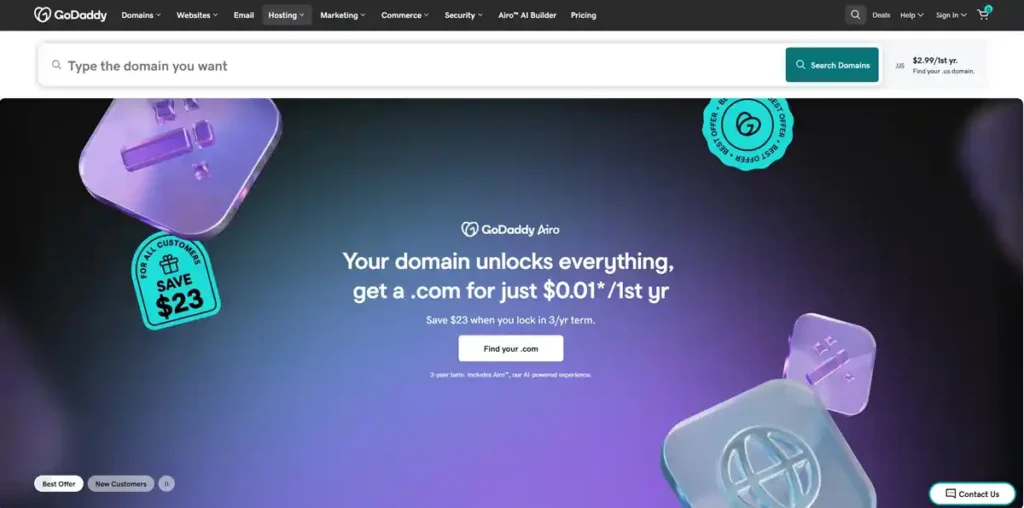
GoDaddy is one of the most popular global hosting providers. It offers easy setup, domain integration, and a wide range of services. While it is beginner-friendly, it is best suited for small websites and users who want a simple hosting solution.
Pros
- Easy to use and beginner-friendly.
- Strong global brand and trust.
- Domain and hosting integration.
- Good for quick website launch.
Cons
- Expensive add-ons
- Limited advanced performance features.
- Not ideal for high performance hosting.
8. Namecheap
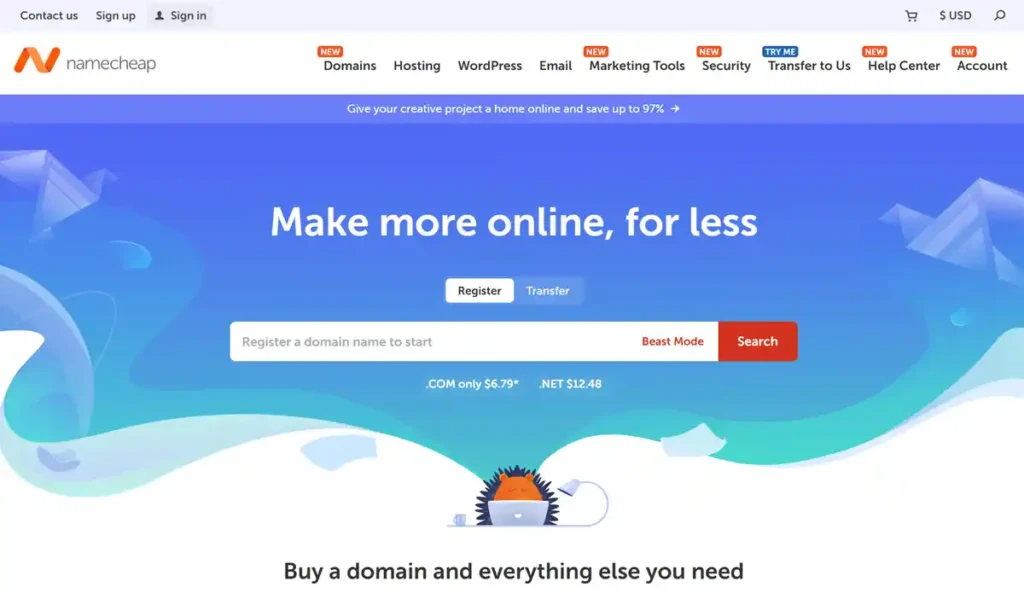
Namecheap provides cheap web hosting plans with essential features like free SSL and domain registration. It is ideal for beginners and personal websites that need affordable hosting with basic performance.
Pros
- Cheapest hosting plans available.
- Free domain and SSL.
- Easy dashboard
- Good for small websites.
Cons
- Limited scalability
- Not suitable for high traffic websites.
- Basic support
9. HostGator
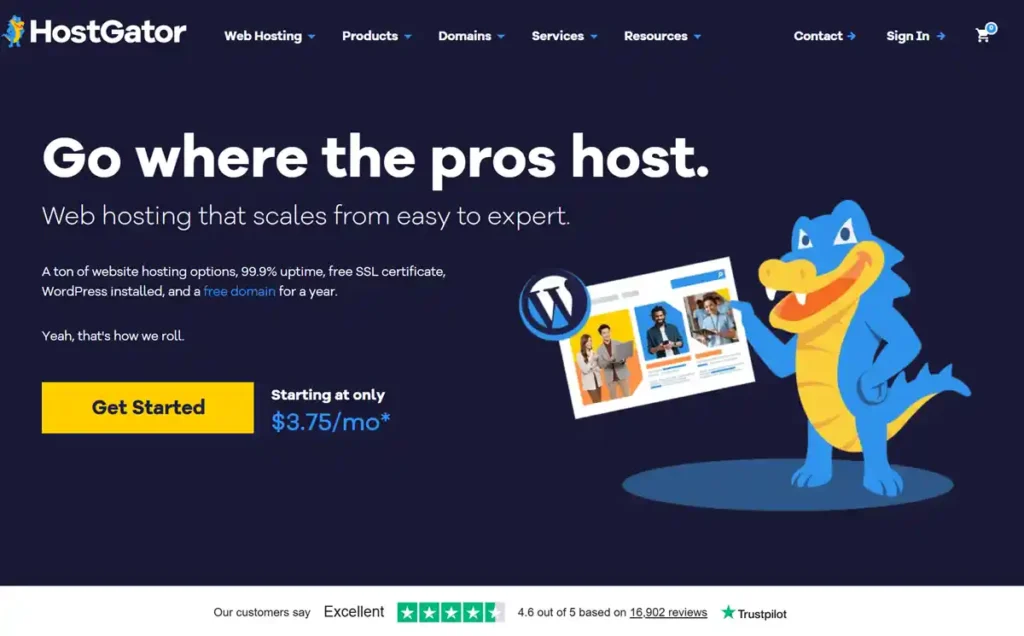
HostGator is a reliable shared hosting provider that offers unlimited bandwidth and easy setup. It is suitable for beginners and small websites looking for affordable and stable hosting services.
Pros
- Hosting with unlimited bandwidth.
- Easy setup and website builder.
- Affordable plans
- Reliable uptime
Cons
- Average speed
- Upselling during signup.
- Basic security features.
10. DreamHost
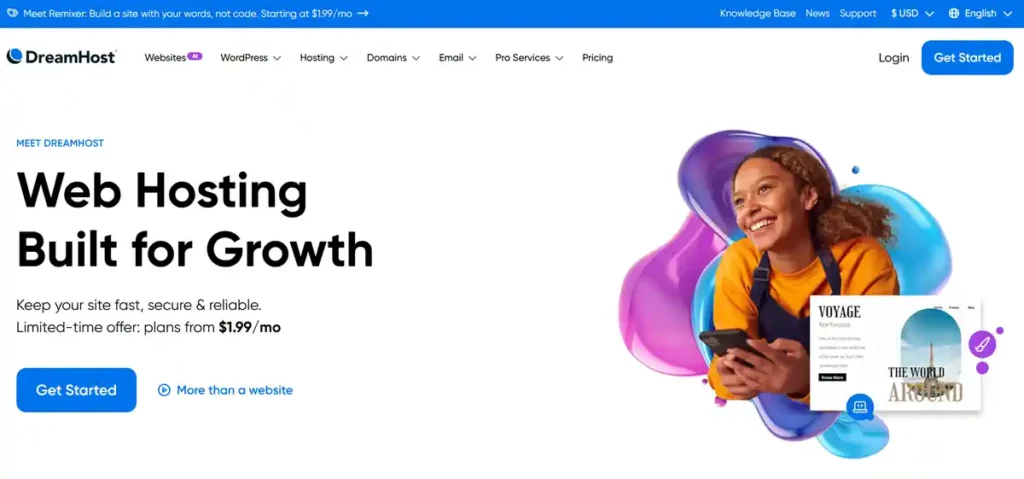
DreamHost is a simple and reliable hosting provider with a clean dashboard and strong uptime. It is a good option for bloggers and personal websites that need easy management and consistent performance.
Pros
- Beginner-friendly dashboard.
- Free domain and SSL.
- Transparent pricing.
- Reliable performance.
Cons
- No cPanel
- Limited live support
- Slower response time.
11. InMotion Hosting

InMotion Hosting is designed for business websites that need strong performance and support. It offers free migration, high speed servers, and scalable hosting plans, making it a good choice for growing businesses.
Pros
- Best hosting for business website.
- Free migration
- Strong performance and uptime.
- Good customer support.
Cons
- Slightly complex for beginners.
- Higher pricing
- Interface could be improved.
12. GreenGeeks

GreenGeeks is an eco-friendly hosting provider that delivers good performance while focusing on sustainability. It includes free SSL, backups, and reliable uptime, making it suitable for environmentally conscious users.
Pros
- Eco-friendly hosting approach.
- Hosting with CDN and backups.
- Good speed and uptime.
- Scalable hosting plans.
Cons
- Higher renewal pricing
- Limited server locations
- Not ideal for advanced users.
13. ScalaHosting
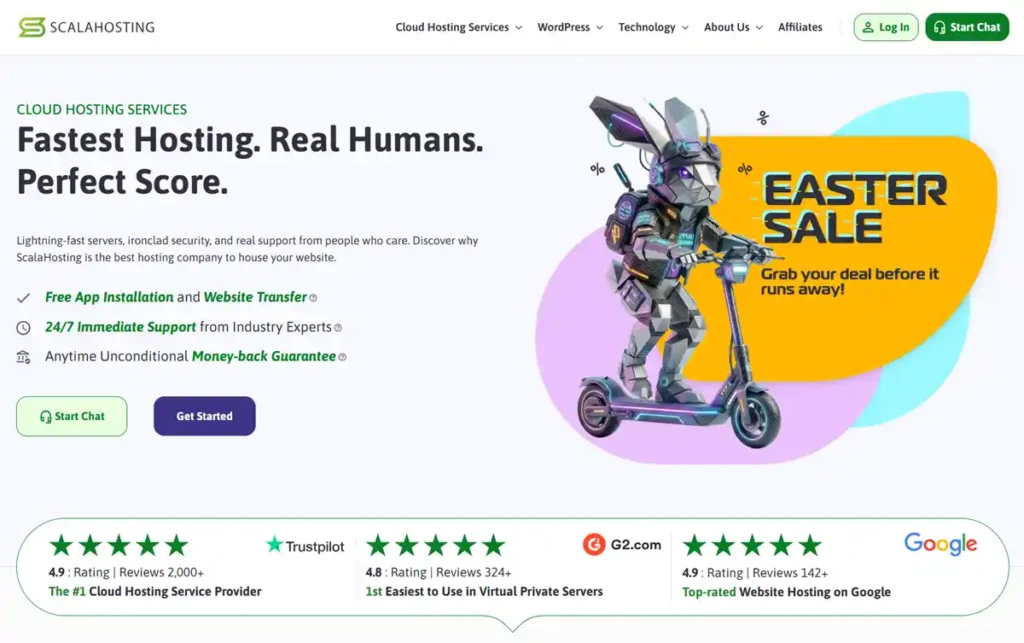
ScalaHosting is one of the best VPS hosting providers offering strong security and managed VPS solutions. It is ideal for users who need more control and better performance than shared hosting.
Pros
- Best VPS hosting 2026 with strong control.
- Hosting with SPanel and high security.
- Managed VPS options available.
- Good performance.
Cons
- Not beginner-friendly.
- Requires technical knowledge.
- Smaller brand presence.
14. WP Engine

WP Engine is a premium managed WordPress hosting provider known for its speed, security, and developer-friendly tools. It is best suited for agencies and high traffic WordPress websites.
Pros
- Premium managed WordPress hosting.
- Hosting with staging feature and CDN.
- Excellent performance and tools.
- Strong security
Cons
- Expensive
- No domain or email.
- Only WordPress support.
15. AccuWeb Hosting
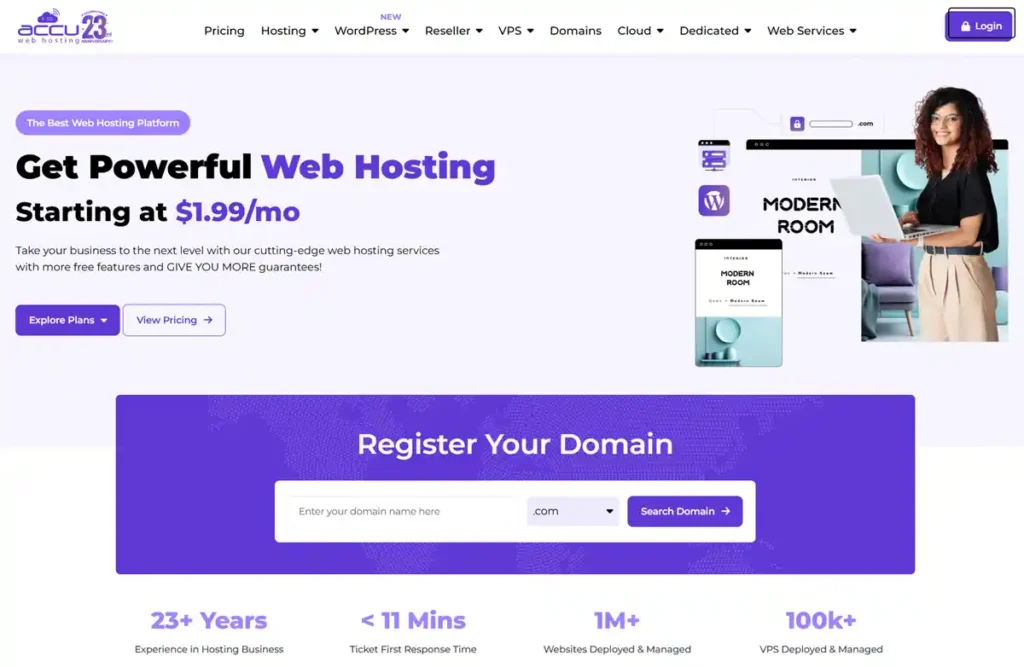
AccuWeb Hosting is a flexible and affordable hosting provider offering multiple hosting options. It is a good alternative for users looking for budget-friendly hosting with decent performance and features.
Pros
- Affordable pricing
- Multiple hosting types
- Good for testing and small projects.
- Flexible plans
Cons
- Less popular provider.
- Basic interface
- Limited advanced features.
16. ChemiCloud
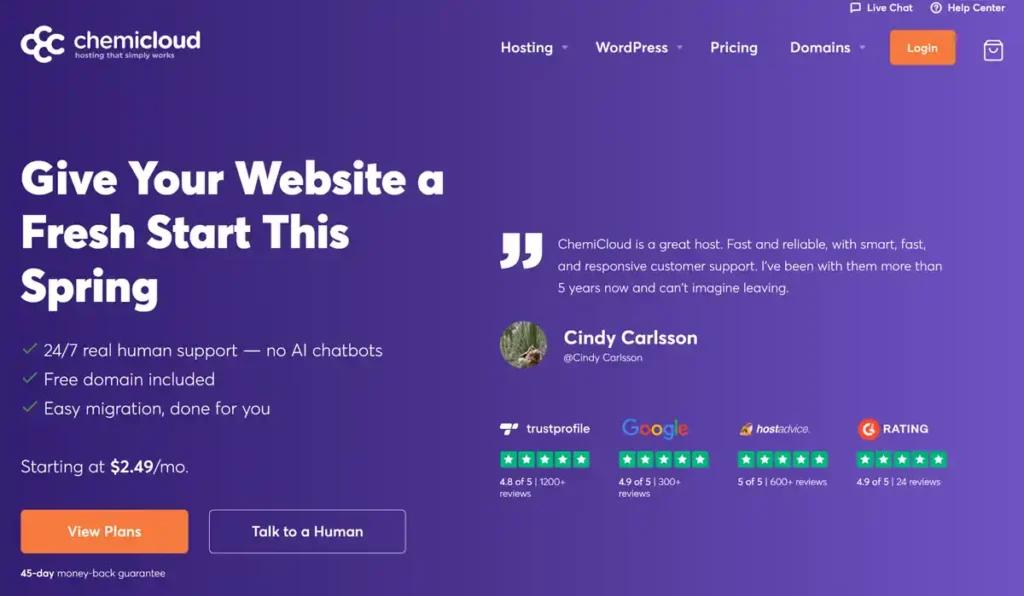
ChemiCloud is a reliable web hosting provider known for fast performance and strong customer support. It uses NVMe storage, LiteSpeed servers, and CDN to deliver fast web hosting with stable uptime. In my experience, it works well for beginners, bloggers, and small business websites that need secure web hosting with easy setup, free migration, and daily backups.
Pros
- Fast performance with NVMe storage.
- Hosting with free migration, SSL, and daily backup.
- Hosting with free email accounts.
- Easy setup with cPanel.
- Strong 24/7 customer support.
Cons
- Higher renewal pricing.
- Limited storage on entry plans.
- Not the cheapest hosting option.
Hosting Comparison: Shared vs VPS vs Cloud
- Shared hosting: Best for beginners.
- VPS hosting: Better performance and control.
- Cloud hosting: Best scalability and reliability.
Choose based on your website growth stage.
Hosting Features to Assess Before Buying
- Hosting with CDN improves speed globally.
- Hosting with daily backup protects data.
- Hosting with free migration helps easy switching.
- Hosting with NVMe storage improves performance.
- Hosting with high bandwidth supports traffic.
Check which features are included in the selected plan and how they fit your workload. None guarantees search rankings.
Commercial Buying Guide: Best Hosting Deals
Before you buy hosting, consider:
- Compare hosting providers comparison.
- Look for best hosting deals and discounts.
- Choose plans with free domain and SSL.
- Check refund policy.
If you want long-term value, focus on performance, not just price.
Advanced Tips for Better Hosting Performance
- Use CDN for global speed.
- Enable caching for faster loading.
- Choose nearest server location.
- Upgrade hosting as traffic grows.
These strategies help you get the best hosting for website speed and performance.
Best Hosting Alternatives and Recommendations
If one hosting doesn’t suit your needs, always compare alternatives.
- For budget users: shared hosting.
- For growth: VPS hosting.
- For scaling: cloud hosting.
This ensures flexibility and better decision-making.
Future of Web Hosting
The hosting industry is evolving rapidly:
- AI-powered hosting tools
- Better security systems
- Faster NVMe storage
- Improved scalability.
Choose features that match your website and the responsibilities you can manage.
My Experience Testing Web Hosting Providers
After working with multiple hosting environments and testing different providers across shared hosting, VPS hosting, and cloud hosting services, one thing is clear: performance and support matter more than pricing.
In real-world scenarios, I’ve seen cheap web hosting fail during traffic spikes, while high performance hosting with proper scalability handled thousands of visitors smoothly. Hosting with NVMe storage, CDN integration, and daily backups consistently delivered better speed and reliability.
If your goal is long-term growth, always choose reliable web hosting over the cheapest option.
Best Hosting for Specific Website Types
Choosing the right hosting depends on your website type. Here’s a quick breakdown:
- Best hosting for portfolio website: Choose lightweight shared hosting or managed WordPress hosting for fast loading and clean design.
- Best hosting for landing page: Use fast web hosting with CDN for quick conversions.
- Best hosting for affiliate website: Focus on SEO friendly hosting with high uptime and speed.
- Best hosting with free email: Many providers include business email for branding.
- Best hosting for Google ranking: Fast loading speed, uptime, and server location matter most.
- Best hosting for online business growth: Choose scalable cloud hosting or VPS hosting.
This ensures your hosting aligns with your goals.
Which Web Hosting Should You Choose Today?
If you still feel confused, here’s a simple decision guide:
- If you are a beginner → Choose Hostinger (affordable and easy setup).
- If you run a business website → Choose SiteGround (performance + support).
- If you expect high traffic → Choose Cloudways (scalable cloud hosting).
- If you want premium performance → Choose Kinsta (managed WordPress hosting).
Compare the complete bill, renewal terms, included resources and support scope before choosing. Plan the migration work if you expect to switch later.
Best Hosting Services Compared (Quick Overview)
| Hosting Provider | Best For | Performance | Pricing |
|---|---|---|---|
| Hostinger | Beginners | High | Low |
| Bluehost | WordPress | Medium | Low |
| SiteGround | Business | High | Medium |
| Cloudways | Scaling | Very High | Medium |
| Kinsta | Premium | Very High | High |
This quick comparison helps you make faster decisions.
Must-Have Hosting Features for Long-Term Growth
To ensure your website succeeds, always choose hosting with:
- Hosting with free migration for easy switching.
- Hosting with staging feature for testing changes.
- Hosting with scalability for future growth.
- Hosting with NVMe storage for faster speed.
- Hosting with unlimited bandwidth for high traffic.
- Hosting with free email for professional branding.
Decide which features your website needs, and confirm the applicable limits and extra costs.
Conclusion
Choosing the best web hosting is one of the most important decisions for your website. It directly impacts your speed, SEO rankings, user experience, and overall business growth.
Based on performance, reliability, and real-world use, beginners should start with affordable web hosting that offers easy setup and strong support. As your traffic grows, upgrading to VPS hosting providers or cloud hosting services ensures better scalability and performance.
If you want a simple recommendation, go with a trusted provider that offers fast speed, high uptime, and strong security. Do not choose hosting based only on price. Instead, focus on long-term value.
A suitable provider supports your website, but traffic, conversions and growth also depend on the site itself and how you run it.
FAQs
Before choosing, read the individual reviews for their evidence, limitations and review scope:
What is the best web hosting for beginners?
Shared hosting or managed WordPress hosting is best for beginners.
Which hosting is best for SEO optimization?
Hosting with fast speed, high uptime, and strong security is best.
What is the cheapest hosting plan?
Shared hosting offers the most affordable pricing.
Is cloud hosting better than shared hosting?
Yes, cloud hosting offers better scalability and performance.
Can I switch hosting providers later?
Yes, most providers offer free migration.
What is NVMe hosting?
It is faster storage technology that improves performance.
Which hosting is best for ecommerce?
Cloud or VPS hosting is ideal for ecommerce websites.
How do I choose the right hosting provider?
Compare speed, pricing, support, and scalability before buying.