
A VPN kill switch blocks your internet connection if the VPN drops, so your real IP address and DNS requests are not exposed while it reconnects. Without one, your device can quietly fall back to your normal connection. Turn it on if you rely on a VPN for privacy, and know which type your app uses, because some only act when the connection fails by accident.
This guide explains how kill switches work, the two main types, their known limits, and how to turn one on.
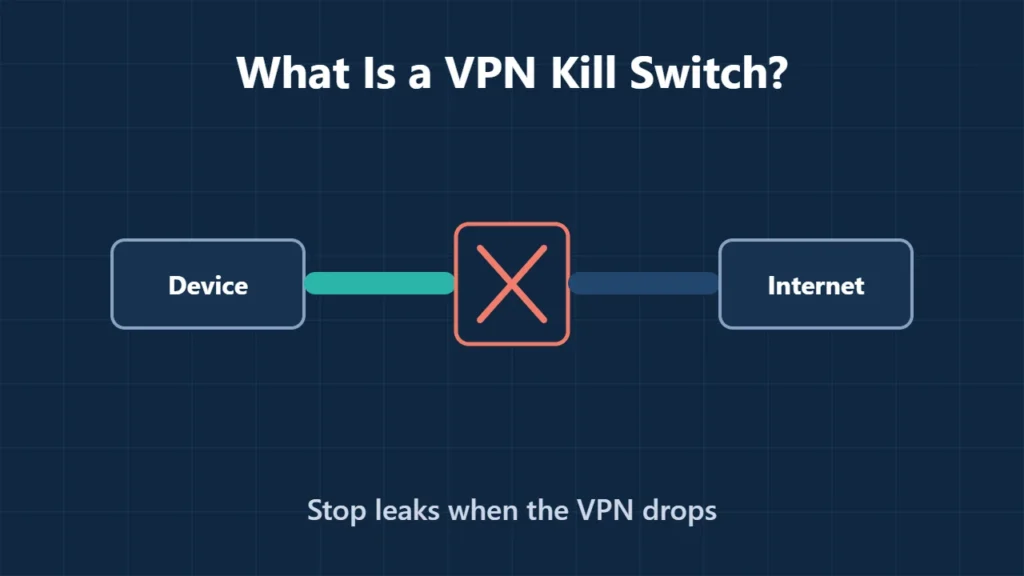
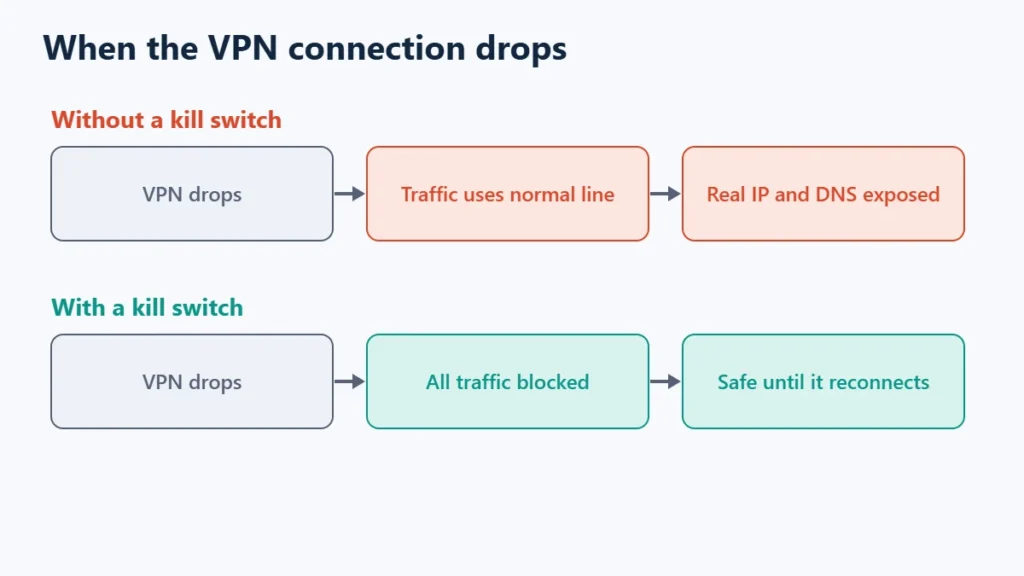
Table of Contents
What a Kill Switch Does
Proton VPN’s documentation describes it simply: if the VPN connection is lost, the kill switch blocks all internet traffic on your device until you are reconnected. You cannot use the internet in that gap, but your IP address and DNS queries are not leaked. Proton says it also protects you, in most cases, while you switch between VPN servers.
Connections drop more often than people think: Wi-Fi changes, a laptop waking from sleep, a mobile network switching, or a server restart. Each is a moment when, without a kill switch, traffic can travel outside the tunnel.
Standard vs Advanced Kill Switch
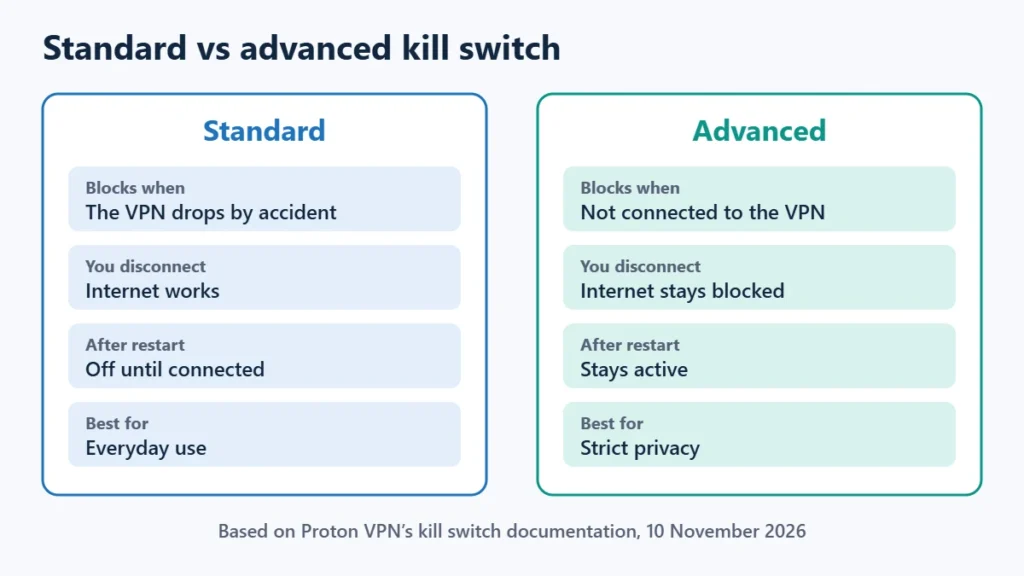
| Standard | Advanced | |
|---|---|---|
| When it blocks | Only when the VPN drops by accident | Whenever you are not connected to the VPN |
| If you disconnect on purpose | Internet works normally | Internet stays blocked |
| After a restart | Off until the app connects | Stays active |
| Best for | Everyday use | Strict privacy needs |
Other providers use different names. NordVPN, Surfshark and CyberGhost all offer kill switches, as covered in this site’s NordVPN, Surfshark and CyberGhost reviews. Check your app’s settings to see which behaviour it uses.
Known Limits
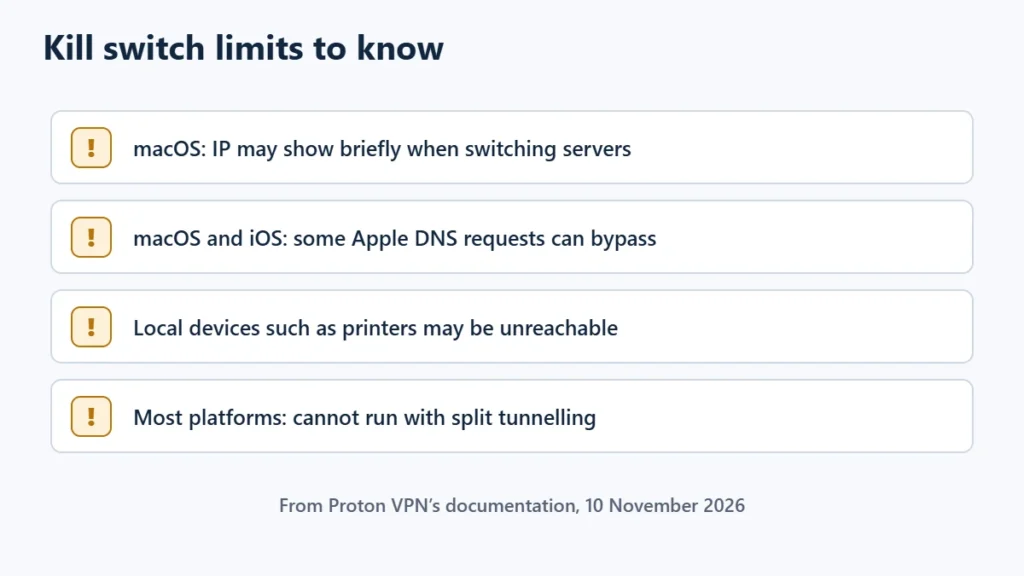
- Platform gaps. Proton VPN documents that on macOS your real IP address may be briefly exposed when switching servers, and that some DNS requests from Apple services can bypass the VPN on macOS and iOS even with the kill switch on.
- Local devices. With the kill switch on, Proton notes you may not be able to reach printers or other devices on your local network.
- Split tunnelling conflicts. On most platforms Proton’s kill switch cannot run alongside split tunnelling. Windows is the exception.
- It does not fix everything. A kill switch stops leaks during drops; it does not make you anonymous or block malware. Is a VPN worth it explains what a VPN does and does not do.
How to Turn It On
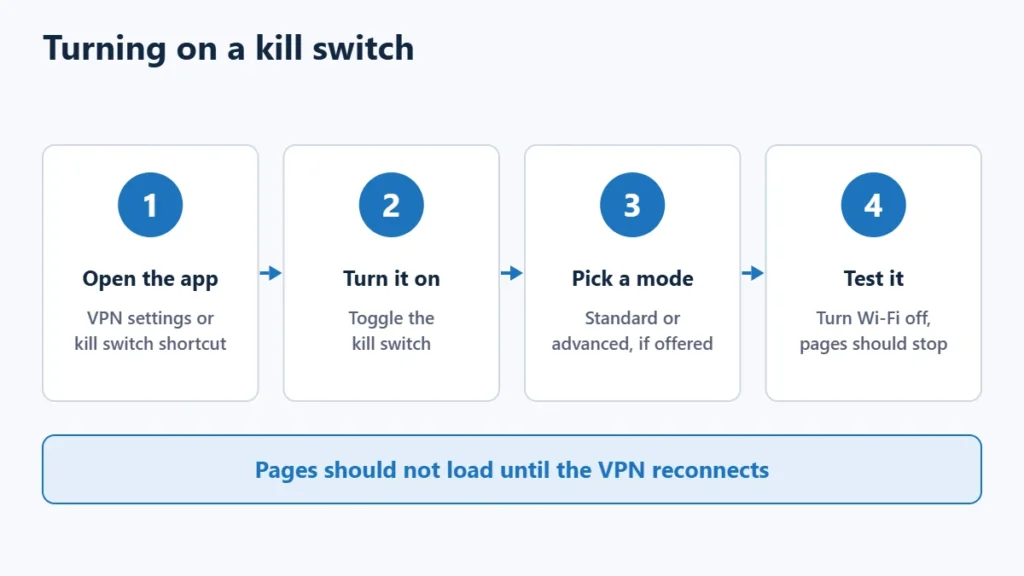
- Open your VPN app and find the kill switch, usually under Settings or a shortcut on the main screen.
- Turn it on. In Proton VPN on Windows, standard is selected by default and you can choose Advanced.
- Apply the change and reconnect if prompted.
- Test it: while connected, briefly turn Wi-Fi off and on. Pages should not load until the VPN reconnects.
Proton VPN lists its kill switch on all free and paid plans, on Windows, macOS, iOS and iPadOS, Android and Linux. You can see Proton VPN’s plans or Surfshark’s. Affiliate links: I may earn a commission at no extra cost to you.
Frequently Asked Questions
Should I always use a VPN kill switch?
If you use a VPN for privacy, yes. The main cost is losing internet briefly while the VPN reconnects.
Why does my internet stop working with the kill switch on?
Either the VPN has disconnected and the kill switch is doing its job, or you are using an advanced mode that blocks all traffic unless you are connected.
Do free VPNs have a kill switch?
Some do. Proton VPN lists its kill switch on its free plan as well as paid plans.
Can I use a kill switch with split tunnelling?
It depends on the app. Proton VPN supports both together only on Windows.

Affiliate disclosure: some links on this page are affiliate links, so I may earn a commission if you buy, at no extra cost to you.