To choose web hosting, decide what type your site needs first, then compare hosts on the renewal price, backups, support, refund window and how easy it is to leave. The headline monthly price and the word “unlimited” tell you very little. A cheap plan with a high renewal and no daily backups can cost more, in money and risk, than a slightly pricier one.
This guide walks through the decision in order, with real examples from hosts’ own pages.
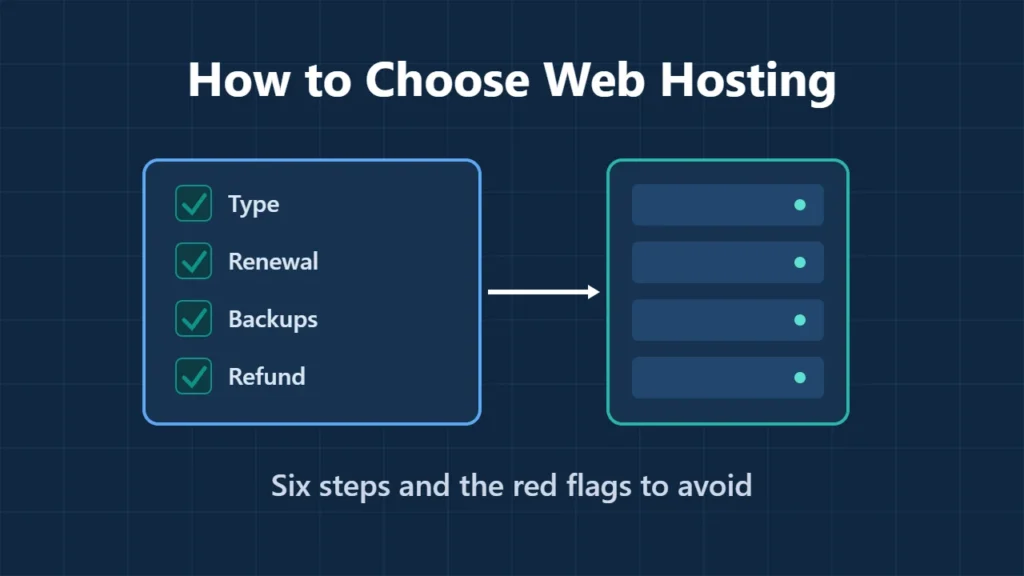
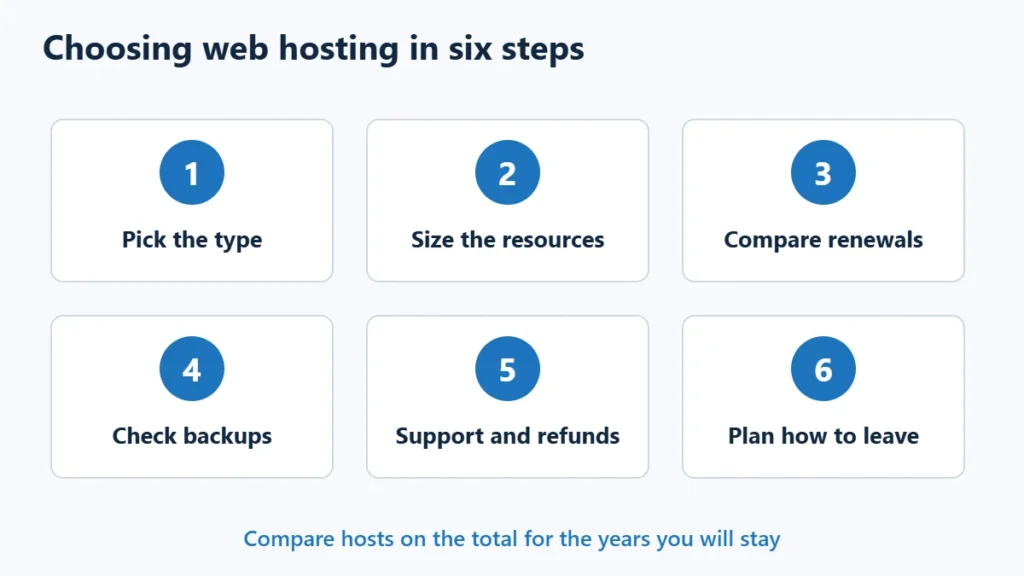
Table of Contents
- 1Step 1: Pick the Right Type of Hosting
- 2Step 2: Size the Resources Honestly
- 3Step 3: Compare the Renewal Price, Not the Headline
- 4Step 4: Check Backups Before You Need Them
- 5Step 5: Check Support and the Refund Window
- 6Step 6: Plan How You Would Leave
- 7Red Flags to Watch For
- 8A Quick Shortlist
- 9Frequently Asked Questions
- What is the most important thing when choosing web hosting?
- Is cheap hosting bad?
- Should I pay for a longer term?
- Does hosting location matter?
- Can I switch hosts later?
Step 1: Pick the Right Type of Hosting
| Your site | Type to start with |
|---|---|
| New blog, portfolio or small business site | Shared hosting |
| Growing WordPress site or small shop | Cloud hosting or a managed cloud server |
| Business site where downtime costs money | Managed WordPress hosting |
| Custom apps, or you manage servers yourself | VPS |
| Heavy, steady workloads or strict isolation | Dedicated server |
Most new sites should start on shared hosting and move up when they need to. Shared vs VPS vs cloud hosting explains the differences, and how much web hosting costs shows typical prices for each type.
Step 2: Size the Resources Honestly
Look at storage, memory and the number of sites a plan allows, rather than words like “unlimited”. For example, ChemiCloud’s Starter plan lists 1 website, 20 GB of NVMe storage and 2 GB of memory, while its Pro plan allows unlimited websites with 35 GB and 4 GB. A single new site rarely needs more than an entry plan; several sites or a shop usually need the next tier.
Step 3: Compare the Renewal Price, Not the Headline
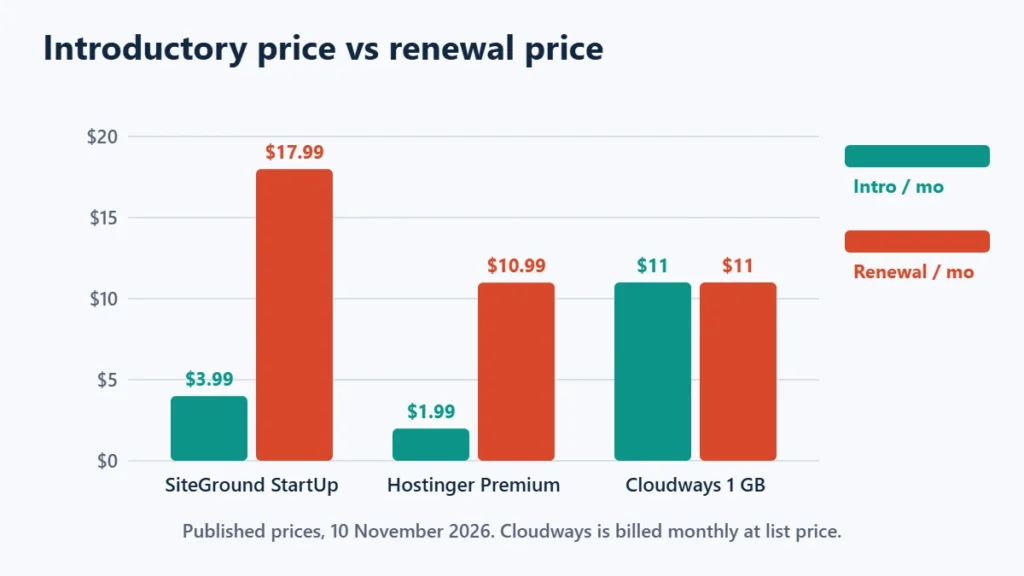
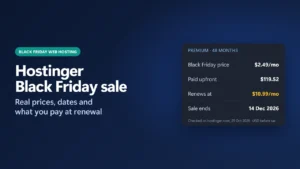
Introductory prices usually need a long prepaid term and then rise. On 10 November 2026, SiteGround’s StartUp went from $3.99 to $17.99 a month after 12 months, and Hostinger’s Premium from $1.99 to $10.99 after 48 months. Monthly-billed services such as Cloudways avoid the long-term jump, apart from short promotions such as its 80% discount on the first two months. Work out the total for the years you expect to stay: the guide to hosting renewal prices shows how.
Step 4: Check Backups Before You Need Them
Backups are the feature you only notice when it is missing. Plans differ more than you might expect:
- SiteGround lists free daily backups on all its web hosting plans.
- ChemiCloud’s Starter plan lists 10 daily backups.
- Hostinger runs weekly backups by default, with daily backups on some plans or as an add-on.
- On a self-managed VPS, backups are usually extra; DigitalOcean adds 20% to 30% of the server price.
Whatever the host provides, keep your own copy too.
Step 5: Check Support and the Refund Window
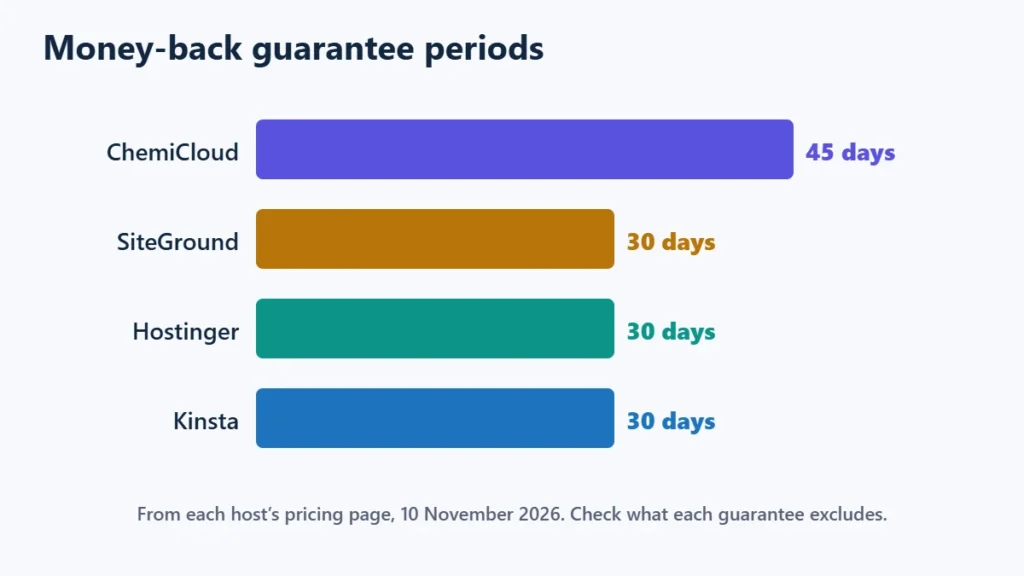
Most hosts list 24/7 support, so look at how it is offered (chat, tickets, phone) and whether it covers the things you are likely to need help with. A refund window lets you test a host with your real site. On 10 November 2026, ChemiCloud listed 45 days, and SiteGround, Hostinger and Kinsta 30 days. Check what the guarantee excludes, such as domain fees.
Step 6: Plan How You Would Leave
A host is easy to join and sometimes hard to leave. Before buying, check whether you can download full backups of files and databases, whether email is tied to the hosting account, and whether the control panel is portable. A cPanel account can move between cPanel hosts as one package, while Hostinger’s hPanel means moving files and databases yourself; hPanel vs cPanel explains the difference. Keeping your domain at a separate registrar also makes a future move simpler.
Red Flags to Watch For
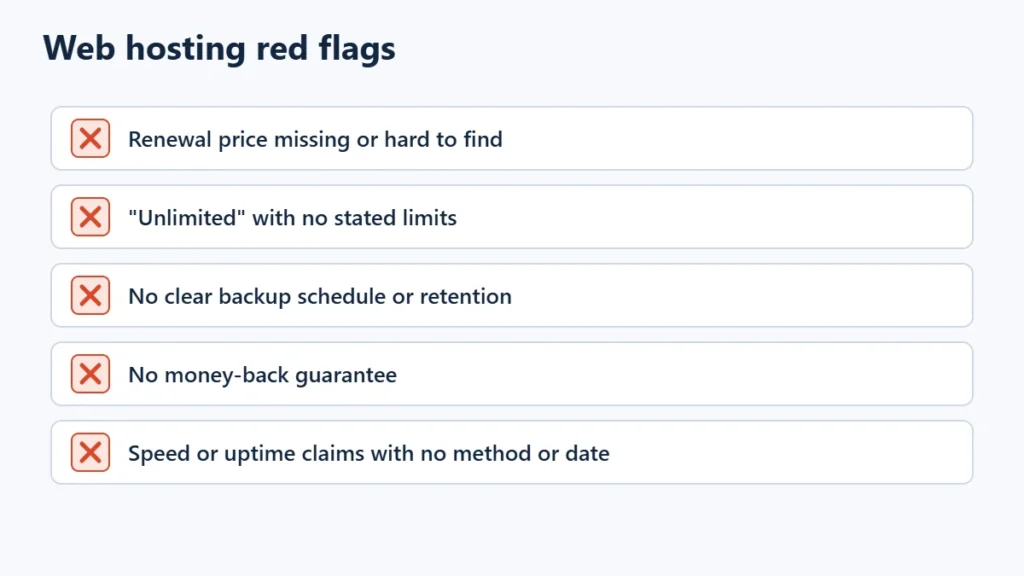
- The renewal price is missing or hard to find.
- “Unlimited” resources with no fair-use limits stated anywhere.
- No clear statement of how often backups run or how long they are kept.
- No money-back guarantee.
- Speed or uptime figures with no method or date. A provider’s advertised uptime is a claim, not a measurement.
A Quick Shortlist
| If you want… | Start with |
|---|---|
| The lowest long-term cost for a small site | Hostinger |
| Daily backups on every plan | SiteGround or ChemiCloud |
| Your own server without managing it | Cloudways |
| Fully managed WordPress | Kinsta or WP Engine |
For full comparisons, see the best web hosting services and SiteGround alternatives. If Hostinger fits, you can see its current plans. Affiliate link: I may earn a commission at no extra cost to you.
Frequently Asked Questions
What is the most important thing when choosing web hosting?
Matching the hosting type to your site, then comparing the total cost including renewal. After that, backups and support matter most.
Is cheap hosting bad?
Not necessarily. Cheap shared hosting suits many small sites. Problems come from high renewals, weak backups or a plan too small for the site.
Should I pay for a longer term?
Only if you are confident you will keep the site with that host. Longer terms lower the monthly price but tie up money up front.
Does hosting location matter?
It can. A data centre near most of your visitors usually helps response times, and a CDN helps for a global audience.
Can I switch hosts later?
Yes. Copy the site, test it on the new host, then change DNS. Many hosts offer free migration.

Affiliate disclosure: some links on this page are affiliate links, so I may earn a commission if you buy, at no extra cost to you.