Lovable (lovable.dev) turns plain-English prompts into working web apps — interface, back-end logic, database and log-in — that you can publish and keep refining by chat. I rate it 4.4/5: it is one of the fastest ways to build an MVP, prototype or internal tool, but complex applications still need developer help.
Table of Contents
- 1Quick Verdict
- 2How Lovable Works
- 3My Experience Using Lovable
- 4Key Features
- 5What You Can Build
- 6Lovable Pricing
- How Lovable credits work
- 7Pros and Cons
- 8Lovable vs Bubble, Webflow and Adalo
- 9Who Should Use Lovable — and Who Should Skip It
- 10Final Verdict
- 11FAQs
- What is Lovable used for?
- Is Lovable beginner-friendly?
- Can I build SaaS with Lovable?
- Does Lovable replace developers?
- Is Lovable free?
- What are the best alternatives?
- Can I export code?
- Is Lovable good for long-term projects?
Quick Verdict
How Lovable Works
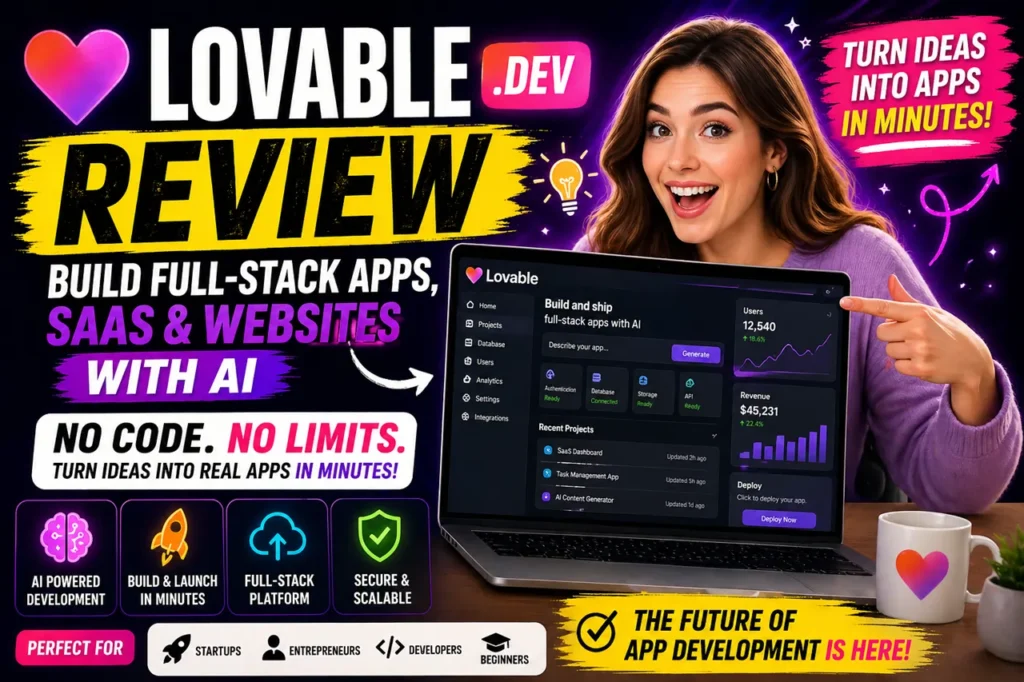
- Describe your idea — for example, “Build a SaaS platform for managing customer leads with login and analytics.”
- Lovable generates the interface, back end and database structure.
- Refine by chatting: add payments, improve the design, add user roles.
- Publish to a lovable.app address or, on paid plans, your own domain.
My Experience Using Lovable
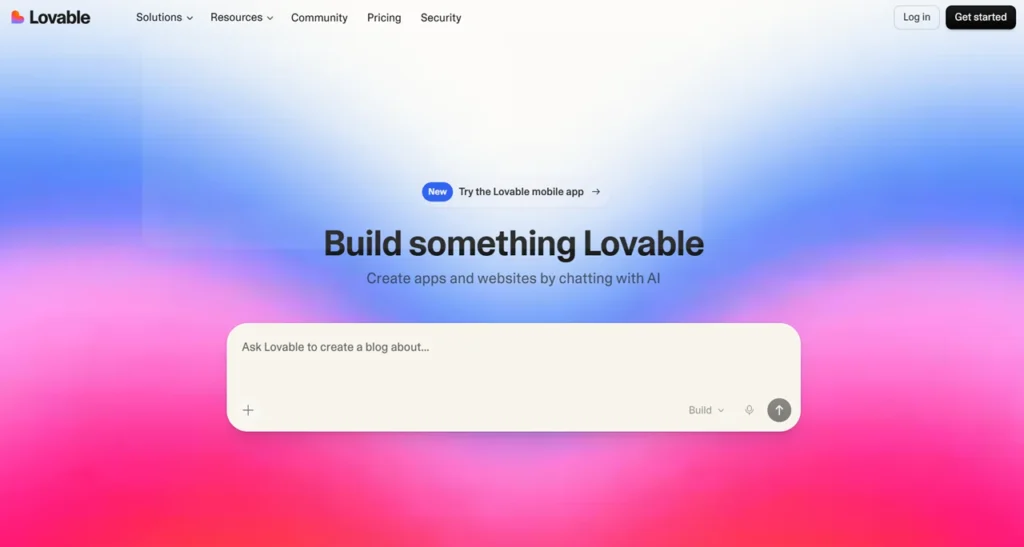
Working with Lovable feels like briefing a fast developer who understands intent. When I built a lead-management tool, the first version was ready in minutes; the interface was clean but needed refinement, and adding features took simple instructions. The quality of the result tracked the quality of my instructions — the clearer the brief, the better the app.
Key Features
- Full-stack generation from a prompt, with ongoing changes by chat.
- Built-in hosting on lovable.app domains; custom domains on paid plans.
- Code ownership — you can export the code, so you are not locked in.
- Collaboration — workspaces allow unlimited members on every plan.
- Team controls on Business: SSO, role-based access and a security center.
What You Can Build
SaaS MVPs such as CRMs and analytics dashboards, landing pages and business websites, internal admin panels and workflow tools, and AI-powered apps such as chatbots.
Lovable Pricing
| Plan | Price | Credits | Highlights |
|---|---|---|---|
| Free | $0 | 5 build credits a day (up to 30 a month) | Private projects, unlimited collaborators, 5 lovable.app domains |
| Pro | $25/month | 100 monthly credits | Custom domains, credit rollover and top-ups, remove the Lovable badge, email support |
| Business | $50/month | 100 monthly credits | Everything in Pro plus SSO, team workspace, role-based access, priority support |
| Enterprise | Custom | Volume based | Audit logs, directory sync, custom SLA |
Plans are priced by credits, not per seat, and students can get up to 50% off Pro. Business costs more because of its team and security controls, not because building costs more.
How Lovable credits work
Credits pay for building (each prompt or change uses some), for Lovable Cloud (hosting your app’s back end) and for AI features inside the apps you build. On top of your plan’s monthly credits, every account gets free daily build credits and a monthly grant of Cloud credits. Pro credits roll over and can be topped up on demand, which helps in months when you rebuild a lot. Bigger changes generally use more credits than small tweaks, so make changes in focused steps.
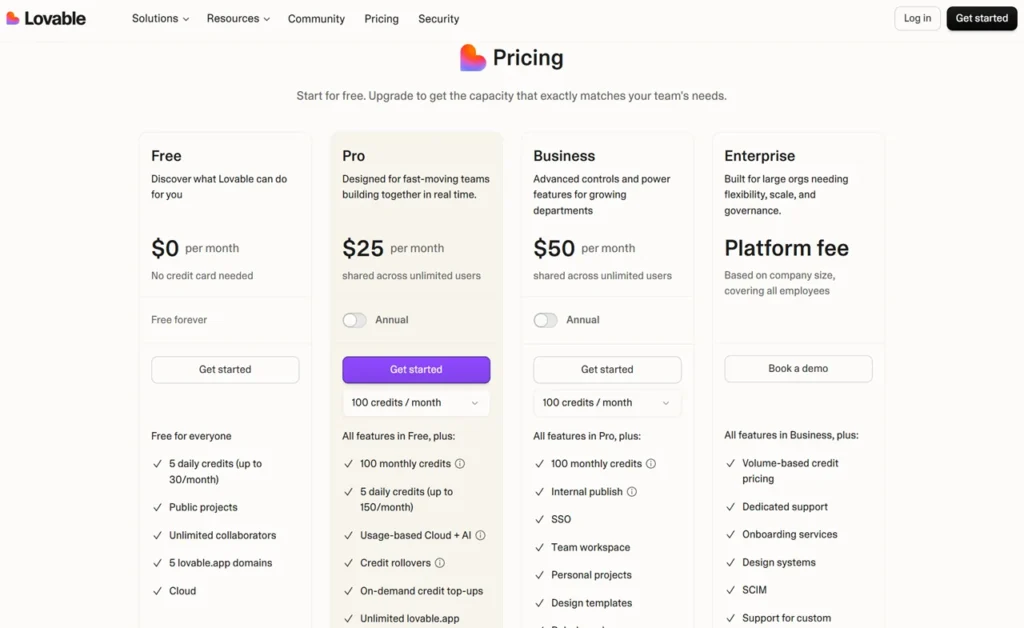
The screenshot above shows Lovable’s plan page from an earlier check; use the table for the current figures.
Pros and Cons
| Pros | Cons |
|---|---|
| Very beginner-friendly; working first versions in minutes | Limited for highly complex applications |
| Full-stack output with hosting included | Generated code may need a developer’s optimisation |
| Code export and unlimited collaborators | Credits run down faster on big rebuilds |
Lovable vs Bubble, Webflow and Adalo
Bubble offers more customisation but takes longer to learn; Lovable is faster from idea to app. Webflow is better for design-focused websites, while Lovable is stronger for apps. Adalo focuses on mobile apps. For another chat-based builder, see my Shipper review.
Who Should Use Lovable — and Who Should Skip It
It suits founders validating ideas, product managers prototyping, agencies building quick client tools and developers who want to skip boilerplate. Skip it, or plan for developer support, if you are building a high-scale system with complex architecture.
Final Verdict
Lovable earns 4.4/5 from me. It makes building a working web app remarkably fast, and code export means you can hand the project to a developer later. Start on the free plan, write clear instructions, and upgrade when you need a custom domain or more credits.
FAQs
What is Lovable used for?
Lovable is used to build apps, SaaS platforms, and websites using AI without coding.
Is Lovable beginner-friendly?
Yes, it is designed for beginners and non-technical users.
Can I build SaaS with Lovable?
Yes, it is a capable AI SaaS builder for MVPs and small products.
Does Lovable replace developers?
No, but it improves productivity significantly.
Is Lovable free?
It offers a free plan, but advanced features require payment.
What are the best alternatives?
Bubble, Webflow, and Adalo are popular alternatives.
Can I export code?
Yes, Lovable allows code export.
Is Lovable good for long-term projects?
It works well for many use cases, but complex systems may need additional support.