Hands-on tested Pricing checked 13 Oct 2026 How I review
Higgsfield AI is a browser-based AI video and image generator built for cinematic results: you describe a scene or upload an image, and it produces short clips with film-like camera movement and lighting. I rate it 4.6/5. It is excellent for short-form social videos and ads; longer, story-driven videos are still inconsistent.
Table of Contents
- 1Quick Verdict
- 2What Higgsfield Does
- 3My Experience Using Higgsfield
- 4A Prompting Workflow That Works
- 5Higgsfield Pricing
- How far the credits go
- 6Pros and Cons
- 7Higgsfield vs Runway, Pika and Sora
- 8Who Should Use Higgsfield — and Who Should Skip It
- 9Final Verdict
- 10FAQs
- What is Higgsfield AI?
- Is Higgsfield AI free?
- Can beginners use Higgsfield AI?
- Is Higgsfield AI better than Runway?
- Can I create YouTube Shorts with it?
- Does it require download?
- Is it good for marketing?
- What makes it unique?
Quick Verdict
Review scope: my rating and the experience notes below come from my hands-on use of Higgsfield. Plans and prices were rechecked on Higgsfield’s official pricing page on 13 October 2026.
What Higgsfield Does
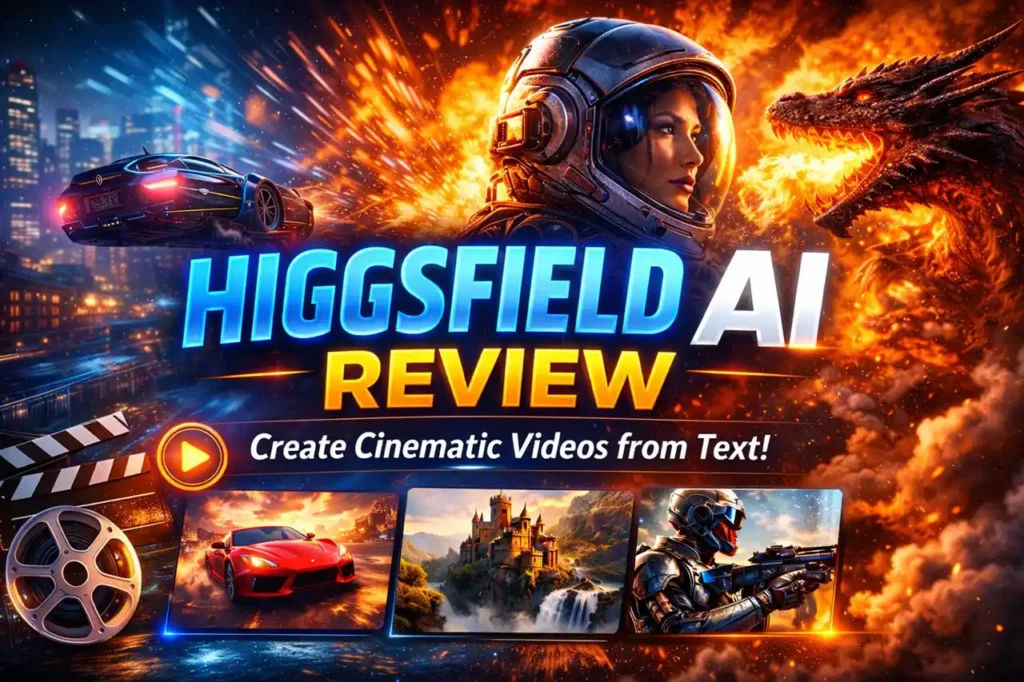
- Text-to-video and image-to-video — generate clips from a prompt or animate a still image.
- Cinematic presets — camera moves, lighting and motion styles designed to look filmed rather than generated.
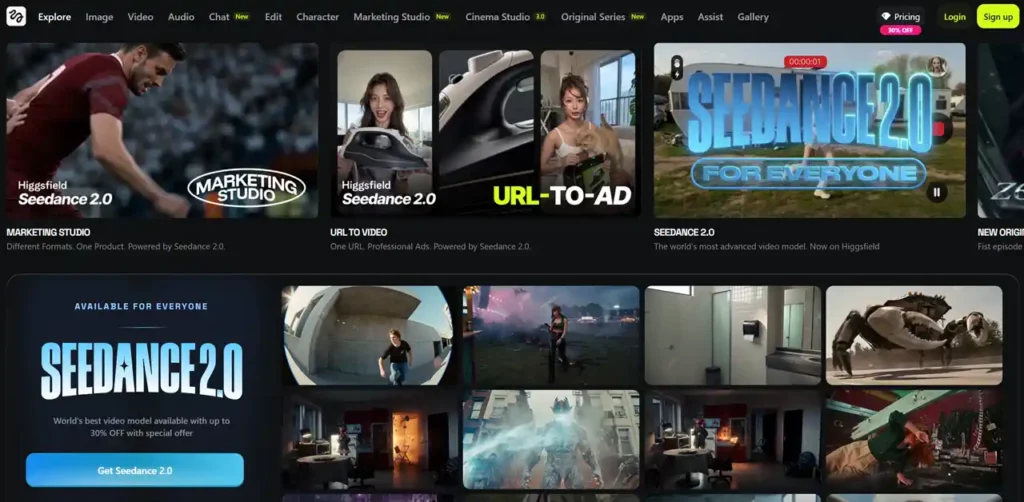
- Several leading models in one place — paid plans include third-party models such as Kling, Seedance and Google’s Nano Banana alongside Higgsfield’s own.
- Creator tools — features for ads and AI influencer content.
- Browser-based — nothing to download.
My Experience Using Higgsfield
In my testing, output quality depended heavily on the prompt: generic prompts gave average results, while detailed prompts produced much better videos. It usually took two or three attempts to get a clip I was happy with. Simple, visual scenes worked very well; complex storytelling across several shots was less consistent. Rendering time varies with the complexity of the scene.
A Prompting Workflow That Works
- Decide the format first: vertical for Reels and Shorts, horizontal for YouTube.
- Write a detailed prompt. Instead of “a car driving”, try “a luxury sports car driving through Dubai at sunset with cinematic lighting and slow-motion camera movement.”
- Generate, review and expect to iterate two or three times.
- Make small adjustments, then export.
Higgsfield Pricing
| Plan | Price | Credits | Highlights |
|---|---|---|---|
| One-time pass | $3 | 40 credits | 2 days of access to top models |
| Basic | $9/month, billed monthly | 120 per month | Selected models only; up to 2 videos and 2 images at once |
| Pro | $43/month monthly, or $23/month billed annually | 900 per month | All models, 7 unlimited models, up to 3 videos and 4 images at once |
No free trial is listed at the moment; the $3 pass is the cheapest way to test it. Annual Pro billing is far cheaper than monthly if you will use it regularly.
How far the credits go
Higgsfield gives its own yardstick: Basic’s 120 monthly credits cover roughly 60 Nano Banana Pro image generations, and Pro’s 900 credits roughly 450. Pro also includes seven “unlimited” models; Higgsfield notes that unlimited use may be slowed during busy periods and only works on its website, not through its API or command-line tools.
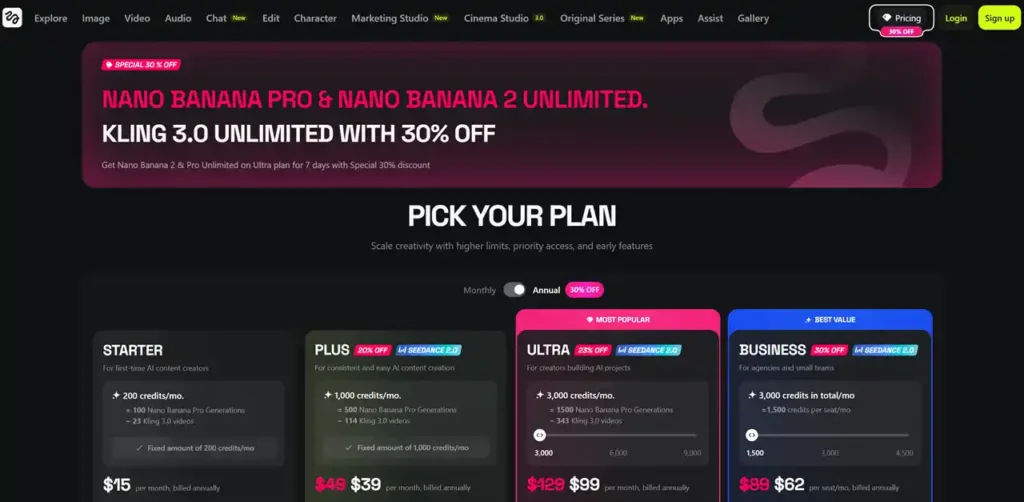
The screenshot above shows Higgsfield’s plan page from an earlier check; use the table for the current figures.
Pros and Cons
| Pros | Cons |
|---|---|
| Film-like motion and lighting | Story-driven, multi-shot videos are inconsistent |
| Several leading video and image models in one subscription | Needs detailed prompts and several attempts |
| Fast for short-form social content and ads | No free trial; best value requires annual billing |
Higgsfield vs Runway, Pika and Sora
Runway offers more editing tools around generation. Pika is simpler for quick clips. Sora is a powerful model whose availability depends on your region and account. Higgsfield’s strength is cinematic style and access to several models from one place.
Who Should Use Higgsfield — and Who Should Skip It
It suits content creators, social media managers, marketers producing ad creatives and freelancers offering short AI videos. Skip it if you need high-end film production, precise control over every frame, or long narrative videos.
To add a voiceover to your clips, see my DupDub review.
Final Verdict
Higgsfield earns 4.6/5 from me. It produces some of the most cinematic short clips I have made with AI, and having several leading models in one subscription is a real advantage. Write detailed prompts, plan for a few attempts, and choose annual Pro billing if you will use it every week.
FAQs
What is Higgsfield AI?
It is an AI video creation tool that generates videos from text prompts.
Is Higgsfield AI free?
No free trial is listed at the moment. The cheapest way to try it is a $3 one-time pass with 40 credits; paid plans start at $9 a month.
Can beginners use Higgsfield AI?
Yes, it is designed for beginners.
Is Higgsfield AI better than Runway?
It depends on your use case. Higgsfield is better for cinematic videos.
Can I create YouTube Shorts with it?
Yes, it works well for short-form content.
Does it require download?
No, it works online.
Is it good for marketing?
Yes, it is widely used for ads and promotions.
What makes it unique?
Its cinematic video generation and ease of use.