At a glance
- Best for
- Beginners, freelancers and startups needing a portfolio or landing page quickly
- Skip it if
- you need a complex business site, a large online store or a content-heavy blog
- Price
- Free plan; Pro $16/mo billed yearly (checked 13 Oct 2026)
- Main drawback
- Limited design customisation
Check current pricingCompare alternatives
Affiliate link: I may earn a commission. It does not change my rating.
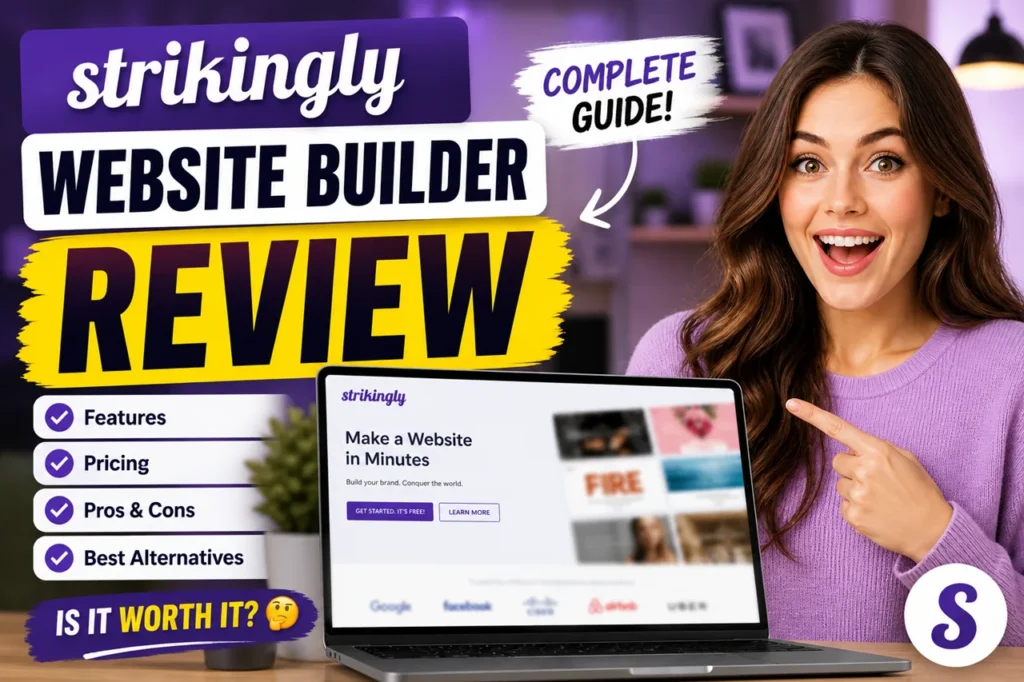
Strikingly is a beginner-friendly website builder best known for clean one-page sites. It includes hosting, SSL, mobile-friendly templates, a blog and a simple store. I rate it 4.6/5: it is one of the fastest ways to get a professional-looking portfolio, landing page or small business site online, but design control and SEO tools are limited and it is not built for large sites.
Table of Contents
- 1Quick Verdict
- 2What Strikingly Is
- 3My Experience Building Three Test Sites
- 4Key Features
- 5Strikingly Pricing
- 6Pros and Cons
- 7Strikingly vs Wix, WordPress and Squarespace
- 8Who Should Use Strikingly — and Who Should Skip It
- 9Final Verdict
- 10FAQs
- Is Strikingly really free?
- Can I build a website without coding using Strikingly?
- Is Strikingly good for SEO?
- Can I create an online store with Strikingly?
- How does Strikingly compare to Wix?
- Does Strikingly provide hosting?
- Is Strikingly good for portfolios?
- Can I connect a custom domain?
Quick Verdict
Affiliate disclosure: some links on this page are affiliate links, so I may earn a commission if you buy, at no extra cost to you.
★ EDITOR’S CHOICE
Strikingly
My rating: 4.6/5
A beginner-friendly website builder for simple, polished one-page sites.
Affiliate link: I may earn a commission at no extra cost to you.
What Strikingly Is
Strikingly started as a one-page website builder — a whole site on a single scrolling page — and has since added multi-page sites, e-commerce, blogging, memberships and basic SEO tools. Hosting is included, so there is nothing to install or maintain. It suits freelancers, small businesses, startups and creators who want to be online quickly without technical skills.
My Experience Building Three Test Sites
Setup was extremely fast: I had a working website in under ten minutes, and the interface felt clean and beginner-friendly throughout. The templates are modern and mobile-friendly, so even without design skills the sites looked professional.
The limits showed up once I wanted more control. Content is easy to edit, but deep design changes are restricted; the SEO tools are basic; and the platform is not suited to large multi-page sites. For the small store, selling a handful of products worked fine, but it would not scale to a big catalogue.
Key Features
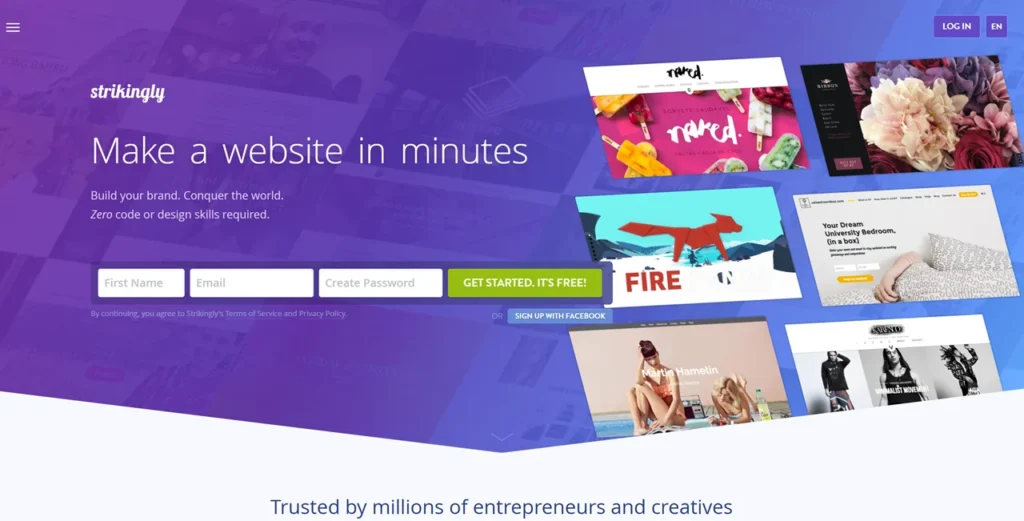
- Section-based editor — pick a template, add sections and edit text and images; no code needed.
- One-page and multi-page sites — one-page layouts are its strongest format; Pro allows up to 100 pages per site.
- Hosting and SSL included — free SSL on custom domains, with unlimited bandwidth on paid plans.
- Simple store — sell one product on the free plan, up to 300 on Pro and unlimited on VIP.
- Blog, forms and memberships — including paid subscription memberships on paid plans.
- Basic SEO — editable meta titles and descriptions, custom URLs, mobile-friendly pages and SSL.
- Built-in analytics — visitors, traffic sources and engagement.
Strikingly Pricing
| Plan | Price | Sites | Highlights |
|---|---|---|---|
| Free | $0 | Unlimited free sites | Strikingly.com subdomain, 500 MB storage and 5 GB bandwidth per site, sell 1 product, 5% transaction fee |
| Pro | $16/month, billed yearly | 3 Pro sites | Custom domain (free for a year), 20 GB per site, unlimited bandwidth, up to 300 products, remove branding, 2% transaction fee |
| VIP | $49/month, billed yearly | 5 VIP sites | 100 GB per site, unlimited products, 0% transaction fee, multi-language, newsletters, phone support |
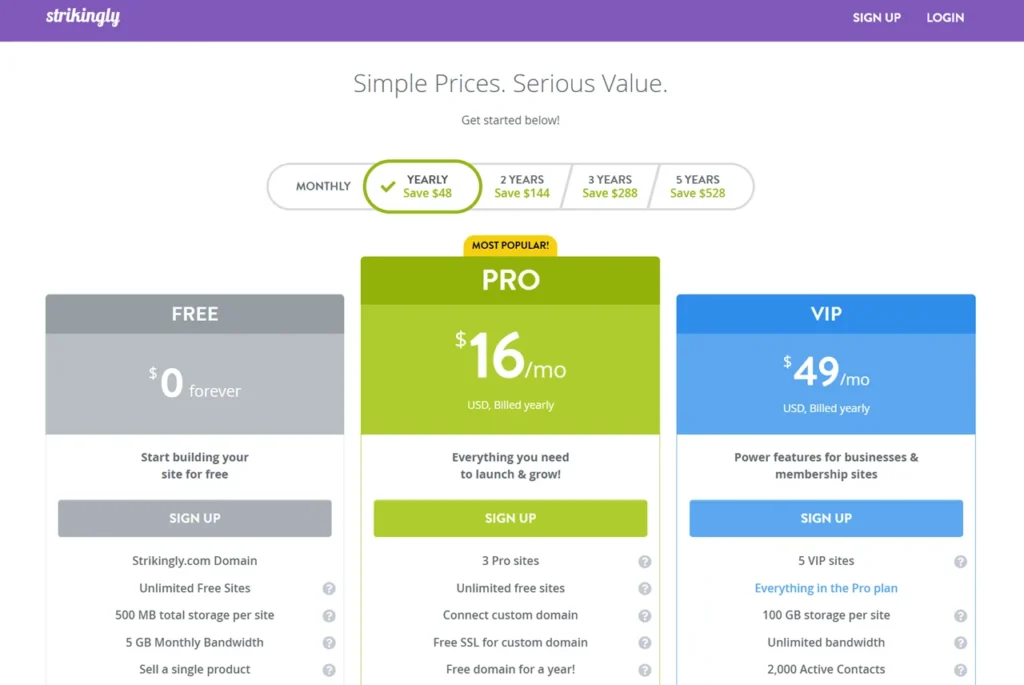
The free plan is fine for testing or a personal page. For a business site you will want Pro, mainly for the custom domain, branding removal and lower transaction fee.
Pros and Cons
| Pros | Cons |
|---|---|
| Very easy; a working site in minutes | Limited design customisation |
| Hosting, SSL and mobile-friendly templates included | Basic SEO tools |
| Generous free plan to start | Store and blog suit small sites only |
Strikingly vs Wix, WordPress and Squarespace
Wix offers more design flexibility; Strikingly is easier for beginners. WordPress is far more powerful and customisable but takes more work. Squarespace has more premium-feeling design. Choose Strikingly when simplicity and speed matter most; choose WordPress when you need control. For e-commerce at scale, Shopify is the better fit.
Who Should Use Strikingly — and Who Should Skip It
It suits beginners, freelancers, startups and anyone who needs a portfolio, landing page or simple business site quickly. Skip it for complex business sites, large online stores or content-heavy blogs. For AI-powered builders, see my best AI website builders guide.
Final Verdict
Strikingly earns 4.6/5 from me. It does exactly what it promises: a clean, professional site with almost no learning curve. Start on the free plan, upgrade to Pro when you are ready for your own domain, and move to a more flexible platform if the site outgrows it.
FAQs
Is Strikingly really free?
Yes, Strikingly offers a free plan, but it includes limitations like a subdomain and basic features.
Can I build a website without coding using Strikingly?
Yes, it is a website builder without coding and is designed for beginners.
Is Strikingly good for SEO?
It is good for basic SEO, but not ideal for advanced SEO strategies.
Can I create an online store with Strikingly?
Yes, but it is best for small stores, not large ecommerce businesses.
How does Strikingly compare to Wix?
Wix offers more customization, while Strikingly is easier to use.
Does Strikingly provide hosting?
Yes, it includes built-in hosting and SSL.
Is Strikingly good for portfolios?
Yes, it is one of the best portfolio website builder options for beginners.
Can I connect a custom domain?
Yes, but only on paid plans.